Note
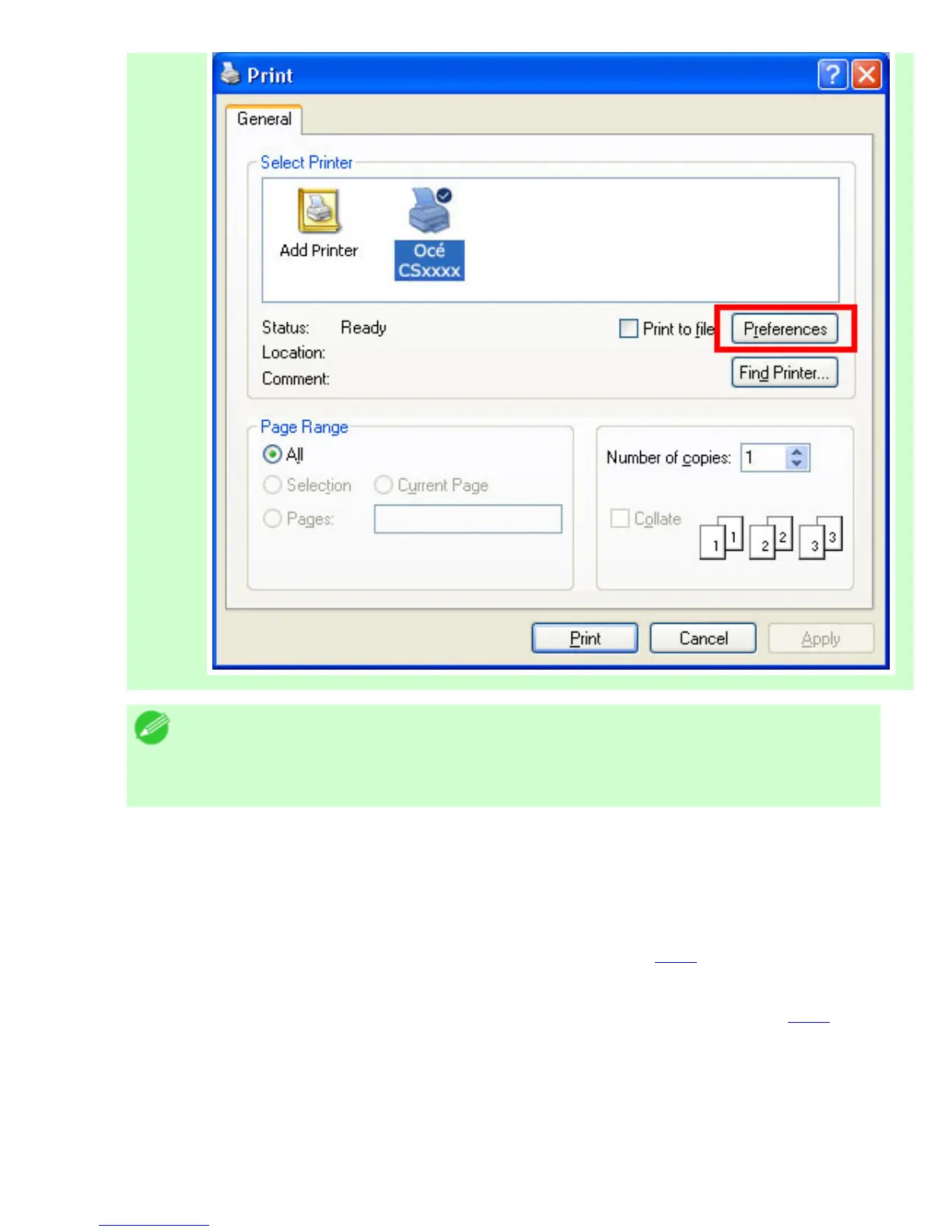
・ If another printer is selected, select the printer you want to use under
Select Printer or in the dialog box displayed after clicking Printer.
Settings for many printing methods (including enlarged or reduced printing, borderless printing, and so
on) are displayed in the printer driver dialog box. There are two ways to access the printer driver dialog
box, as follows.
● From the application
(See "Accessing the Printer Driver Dialog Box from Applications (
4.1.6).")
● From the operating system menu
(See "Accessing the Printer Driver Dialog Box from the Operating System Menu (
4.1.7).")












 To Next Page