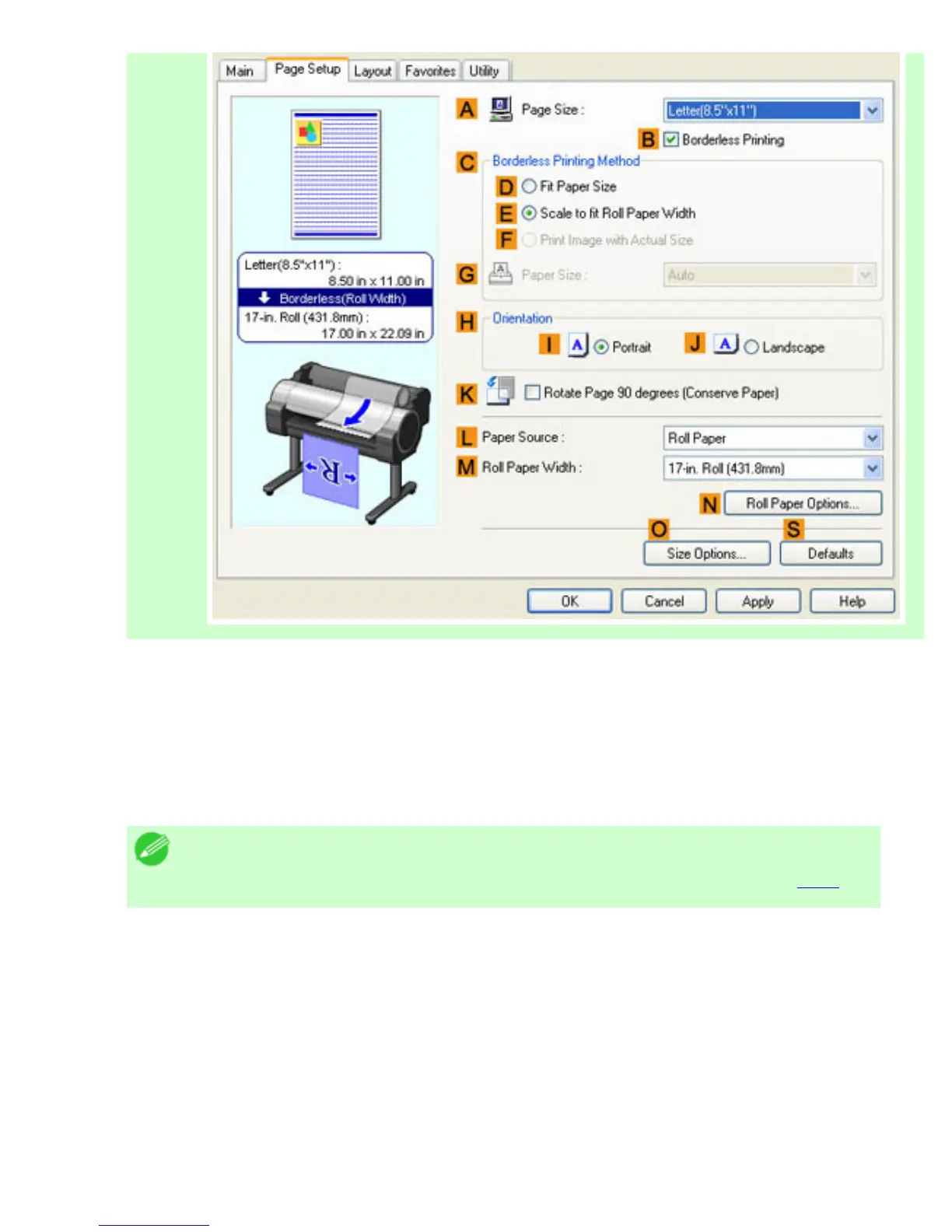
9. Click Roll Paper in the LPaper Source list.
10. After you click EFit Roll Paper Width, the Information dialog box is displayed.
11. Select the width of the loaded roll in the Roll Paper Width list. In this case, click 16-in. Roll
(406.4mm), and then click OK.
12. Confirm the print settings and print as desired.
Note
・ For tips on confirming print settings, see "Confirming Print Settings (
4.1.3)"
If printing is unsuccessful, you may be able to print after completing the following setting.
1.
On the Layout sheet, click JSpecial Settings to display the Special Settings dialog box.












 To Next Page