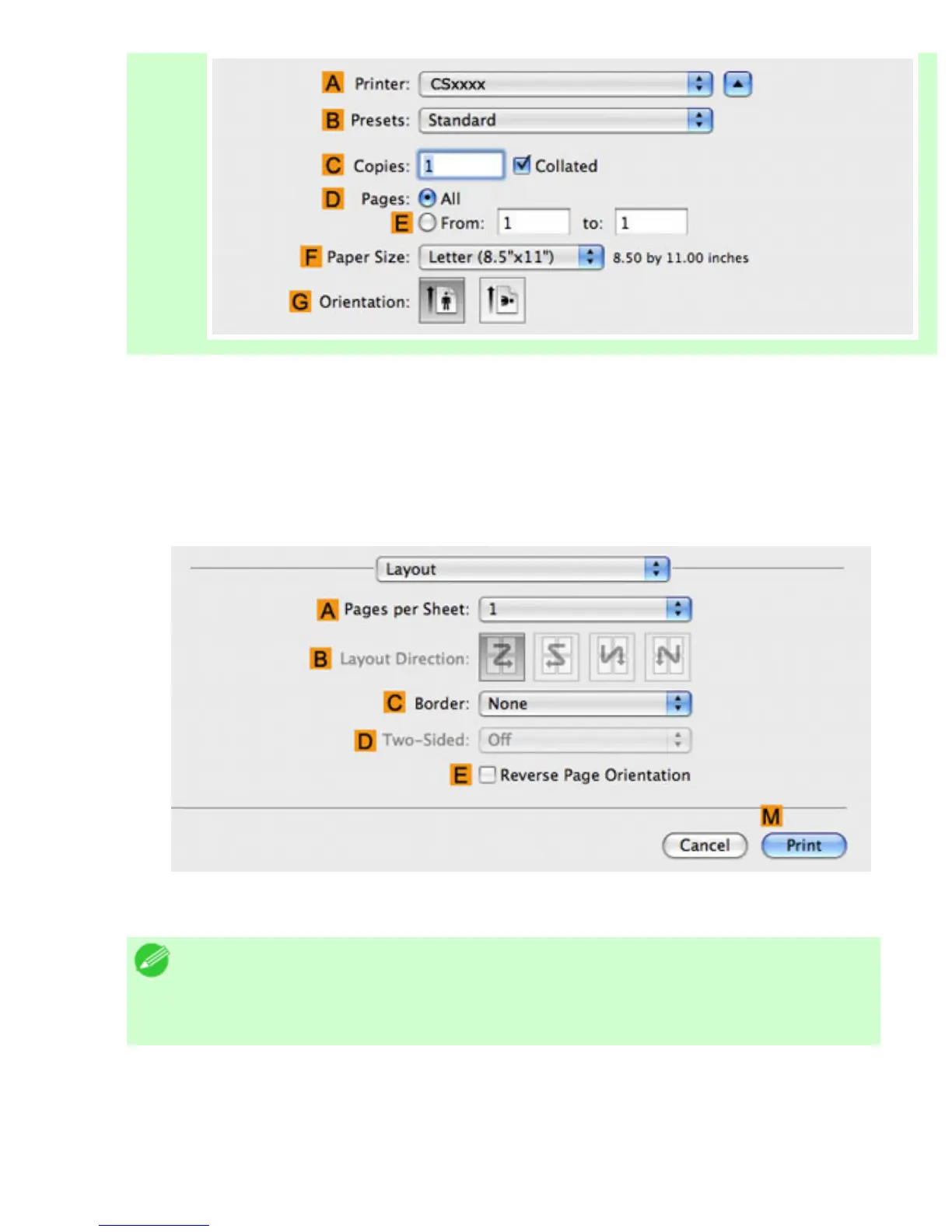
2. Select the printer in the APrinter list.
3. In the FPaper Size list, click the size of the original. In this case, click ISO A3.
4. If you configured the settings using the Page Attributes dialog box, click FOK to close the dialog
box, and then select Print from the application software menu.
5. Access the Layout pane.
6. Click 4 in the APages per Sheet list.
Note
・ You can choose the layout order and specify a boundary line for the four
pages in
BLayout Direction and CBorder.
7. Access the Main pane.












 To Next Page