Click to change the current print settings to those of the favorite selected in the AFavorites.
EApplication Settings Priority
Activate this setting to use settings values specified in the source application in preference to
favorite settings selected in the
AFavorites, when clicking DApply Favorite. For details on the
settings items used in preference, refer to the printer driver help.
FDelete
Click to delete the selected favorite from the AFavorites list.
GEdit
Click to display the Edit dialog box, which enables you to change the name and icon for the
favorite selected in the
AFavorites list.
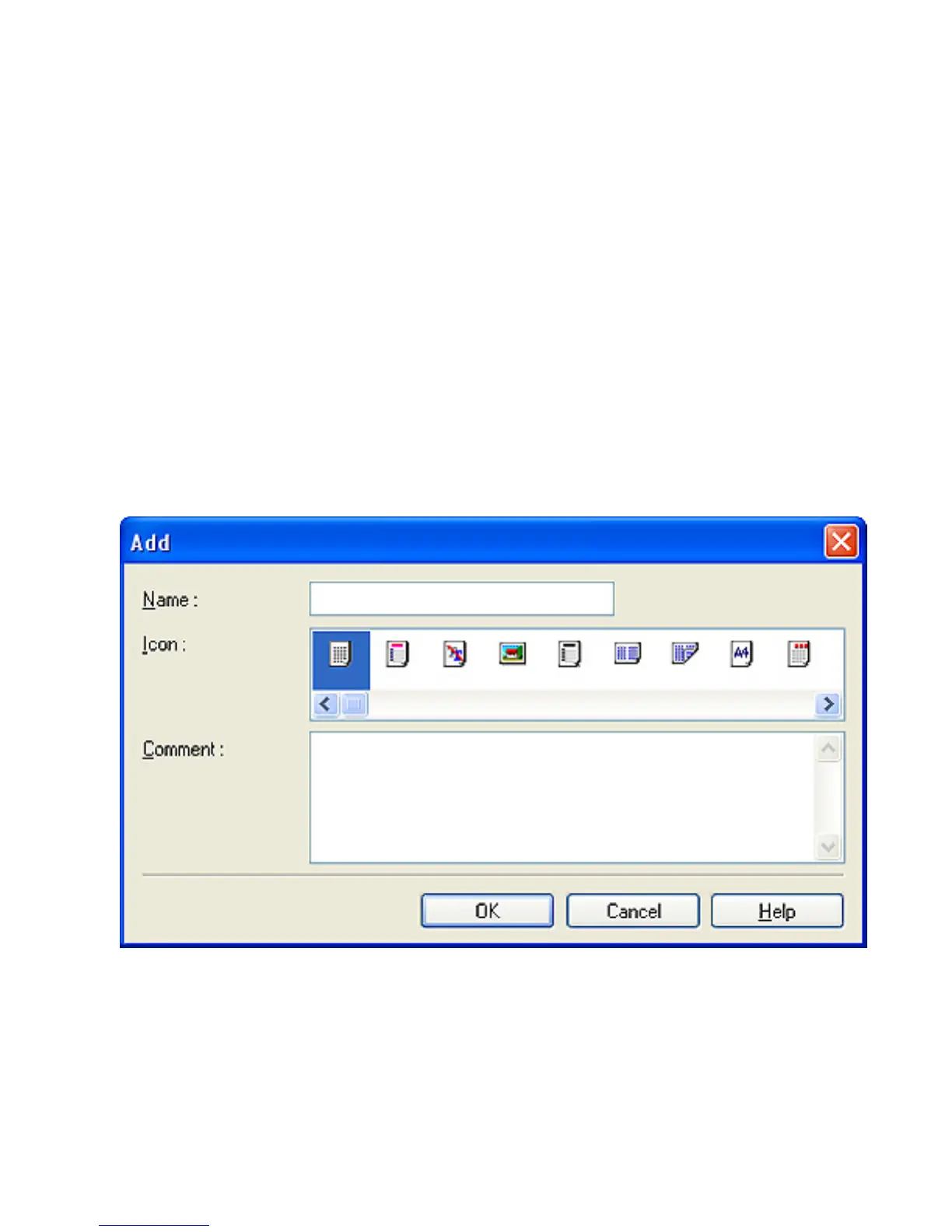
HAdd
Click to display the Add dialog box, which enables you to add the current print settings as a
favorite.
IImport
Click to display the Open dialog box, which enables you to import favorite settings saved as a file.
JExport
Click to display the Save As dialog box, which enables you to save the favorite settings as a file.
KUp
Click to move the selected favorite up in the AFavorites list.












 To Next Page