GL2 Settings
Line & Pen
Manager
Pen
Setup
Define Palette
Specify the Width, Color, and Line
Attributes in the palette Pen no..
Choose Factory to confirm the values
when Factory is selected in Select
Palette.
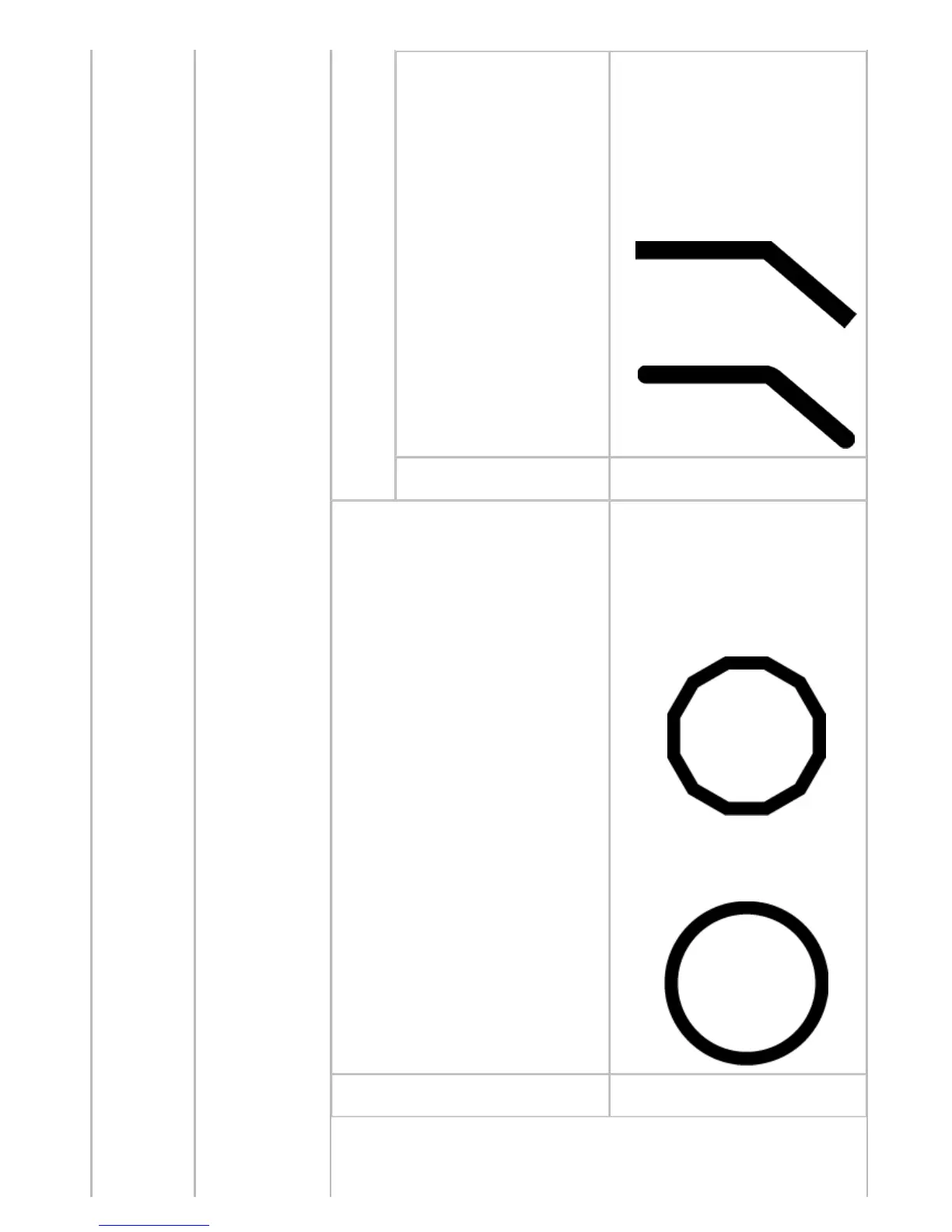
In Line Attributes, choose No
Setting or Circle Setting as the
processing for the ends and junctions
of lines.
・ If you choose No Setting
・ If you choose Circle Setting
Reset Palette
Restore Define Palette to the default
palette settings.
Smoothing
Choose whether to print arcs as
smooth curved lines or as multiple
connected line segments.
・ If you choose Software
Operation is determined by the
application. If nothing is specified
by the application, the result is as
shown in the figure.
Note: By default, this is a 72-sided
figure
・ If you choose Smooth
ThickenFineLines
Select On to print fine lines more
distinctly.












 To Next Page