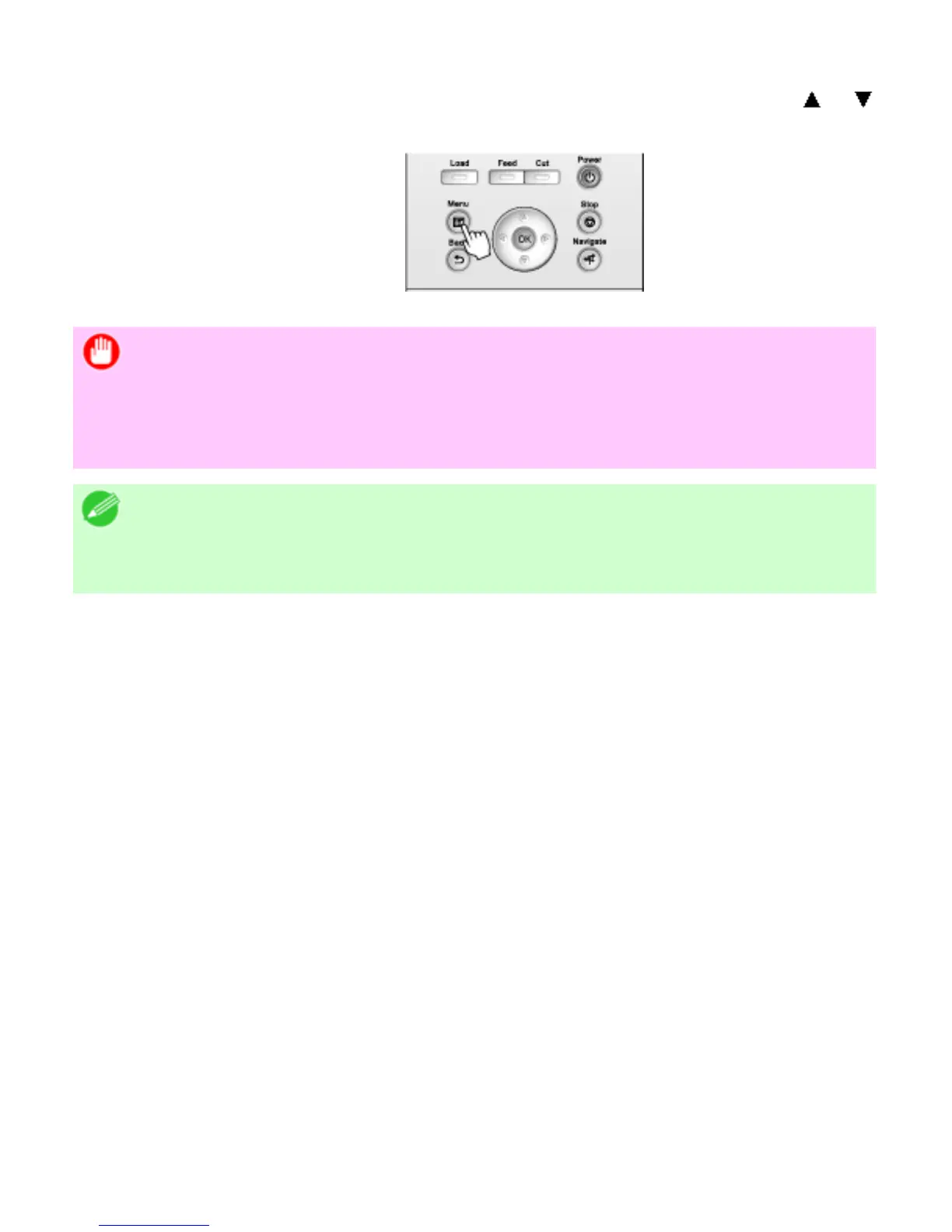
11. Press the Menu button.
If you have changed the settings, a confirmation message is displayed. Press or to
select Yes, and then press the OK button.
Important
・ Be sure to complete step 11. This will activate the values you have entered.
・ You can also specify the subnet mask and default gateway on the Control
Panel.
Note
・ If an error message is displayed, check the settings and correct any invalid
values.












 To Next Page