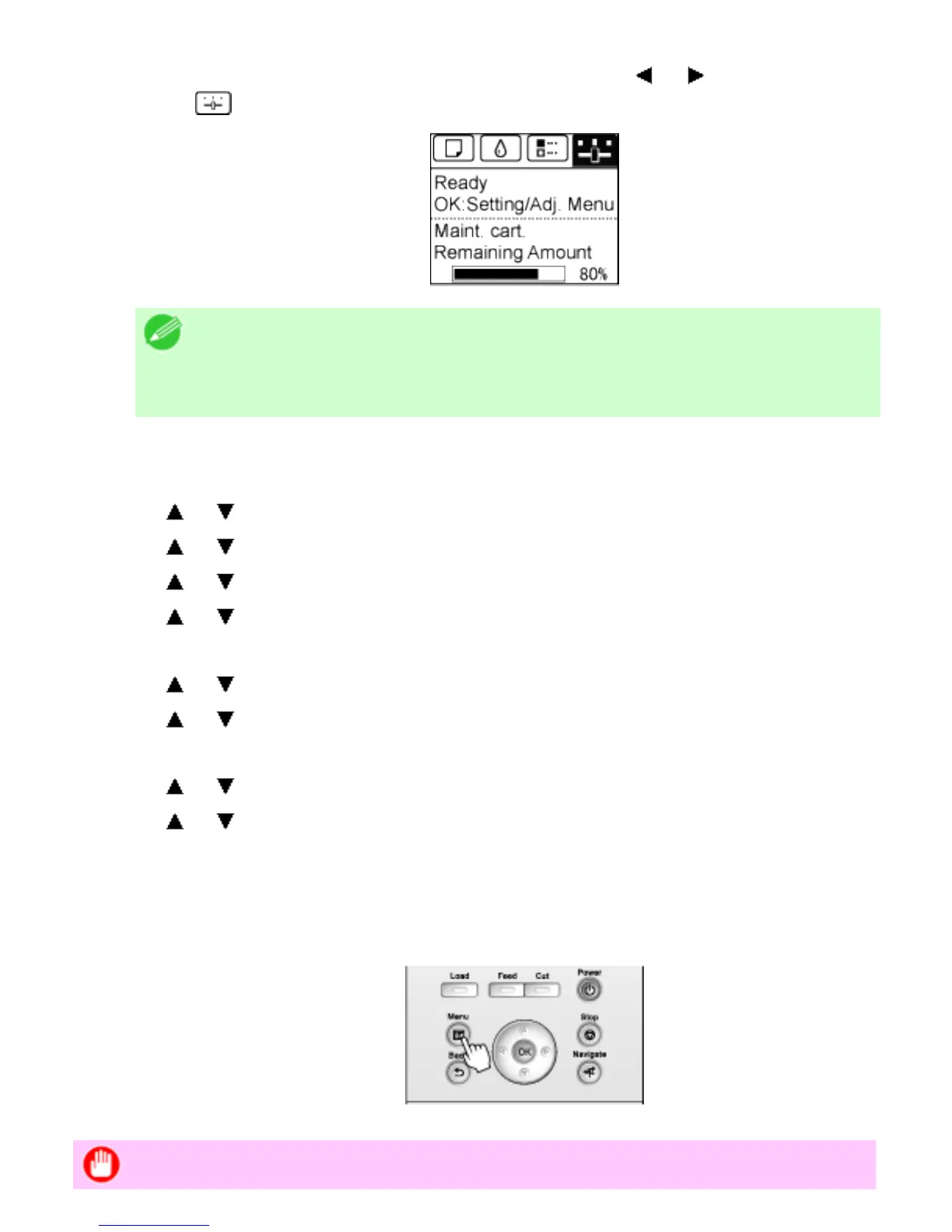
1. On the Tab Selection screen of the Control Panel, press or to select the Settings/
Adj. tab (
).
Note
・ If the Tab Selection screen is not displayed, press the Menu
button.
2. Press the OK button.
The Set./Adj. Menu is displayed.
3. Press or to select Interface Setup, and then press the OK button.
4. Press or to select NetWare, and then press the OK button.
5. Press or to select NetWare, and then press the OK button.
6. Press or to select On, and then press the OK button.
The display reverts to the NetWare menu.
7. Press or to select Frame Type, and then press the OK button.
8. Press or to select the frame type to use, and then press the OK button.
The display reverts to the NetWare menu.
9. Press or to select Print Service, and then press the OK button.
10. Press or to select the desired print service, and then press the OK button.
The display reverts to the NetWare menu.
11. Press the Menu button.
If any of the settings is changed, a confirmation message is displayed. In this case, press
the OK button.
Important












 To Next Page