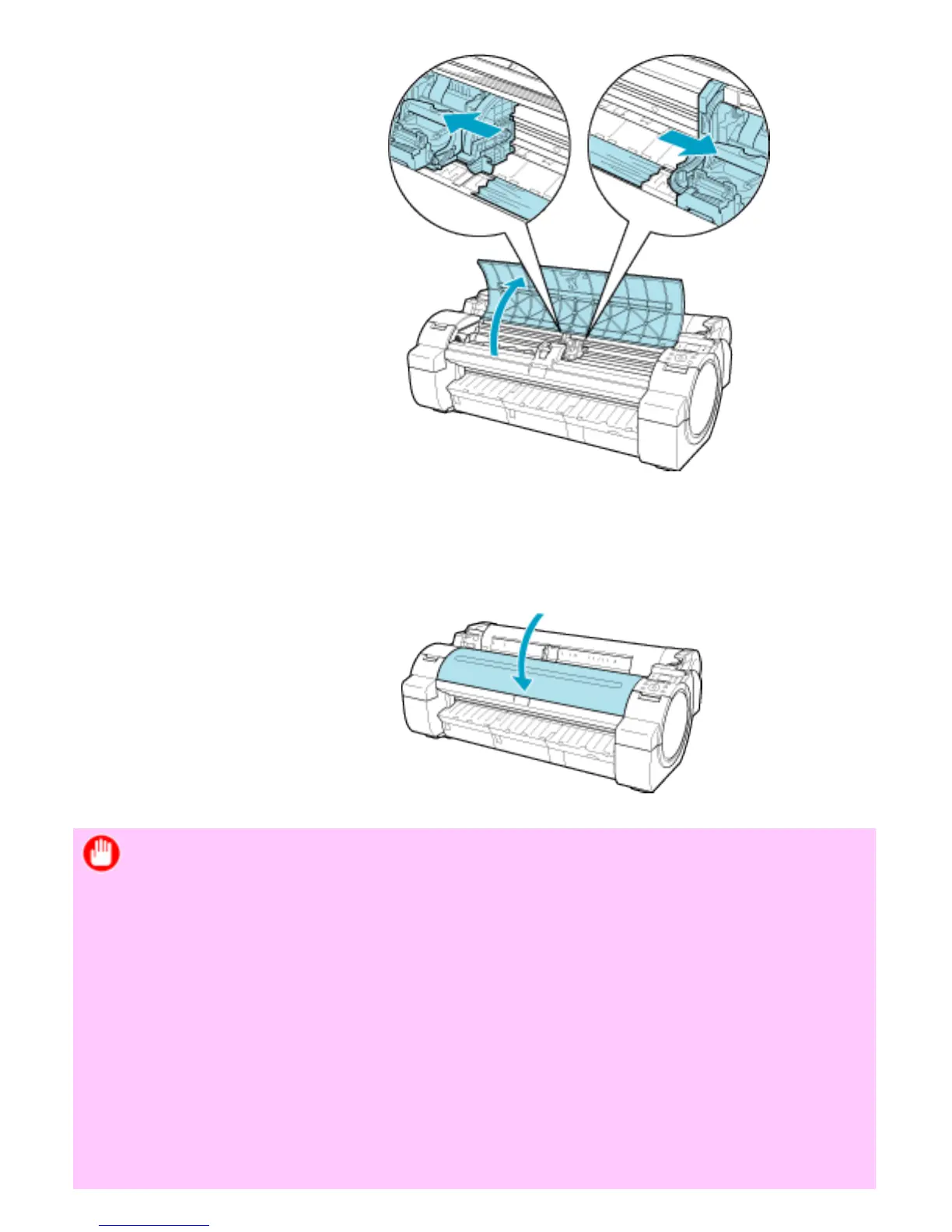
❍ Clear any jammed paper from inside the Top Cover.
After removing the paper, make sure there are no other scraps of paper in the
printer.
❍ Close the Top Cover.
Important
・ Do not move the Carriage over jammed paper. This may damage the
Printhead.
・ Do not touch the Linear Scale (a) or Carriage Shaft (b). This may stain your
hands and damage the printer.












 To Next Page