EasyManua.ls Logo

Oce CS2436 - Page 733

Oce CS2436
870 pages
Print Icon
To Next Page IconTo Next Page
To Previous Page IconTo Previous Page
Loading...
Troubleshooting (CS2436-11)
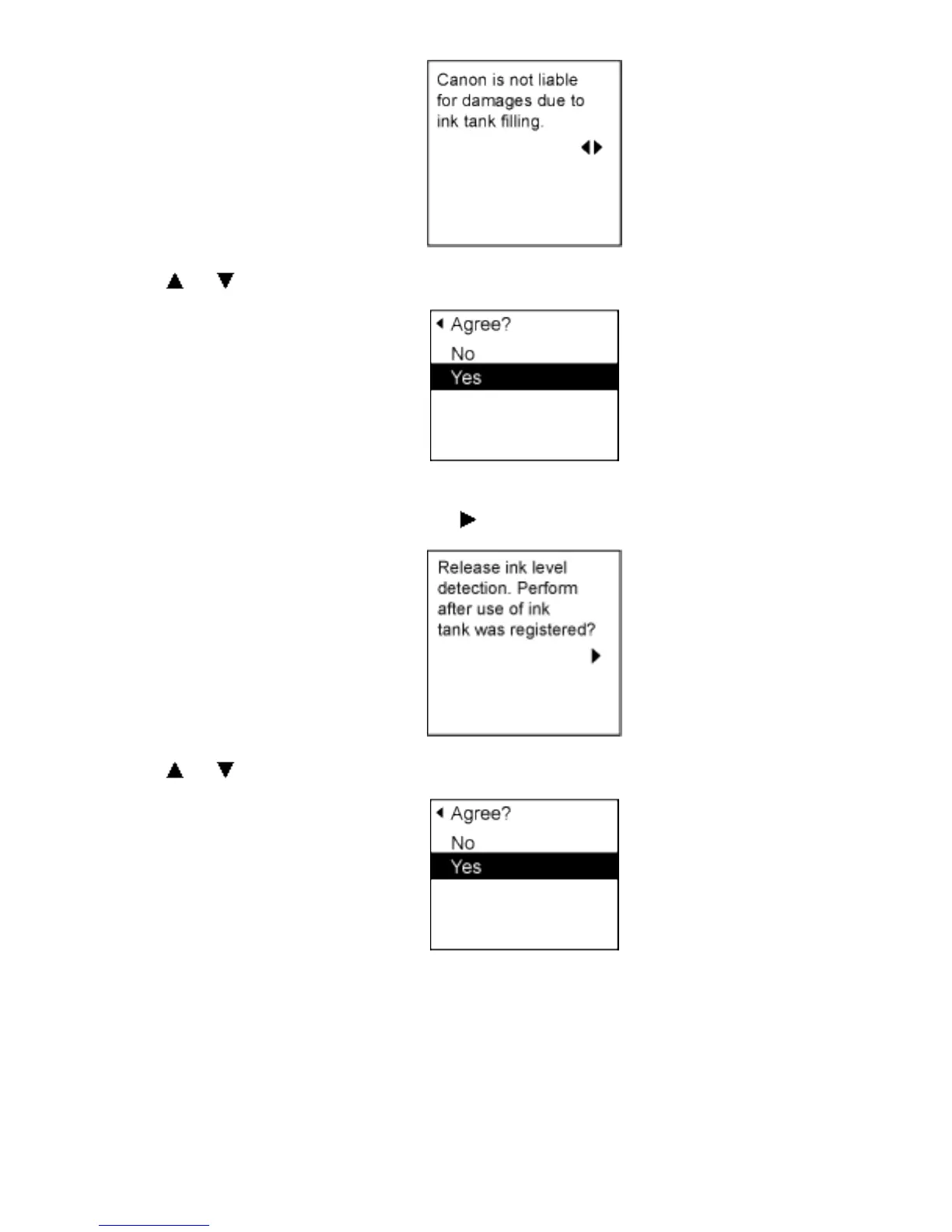
8. Press or to select Yes, and then press the OK button.
9. A confirmation message about updating ink information is shown on the Display Screen.
After checking the message, press the
button.
10. Press or to select Yes, and then press the OK button.
Ink level detection is now released.

2]file:///H|/ITC-dd/Projects/Ud/WFPS/oostende%205/...port/iPF750%20User%20Manual/lang/print/cp08.html (75 of 75) [4-3-2010 11:37:2

Table of Contents

Related product manuals