12. 2. 9. Error Message > Messages regarding paper >
Roll printing is selected, but sheets are loaded.
Cause Corrective Action
A print job for rolls
was received when a
sheet is loaded.
Follow these steps to load and print on a roll.
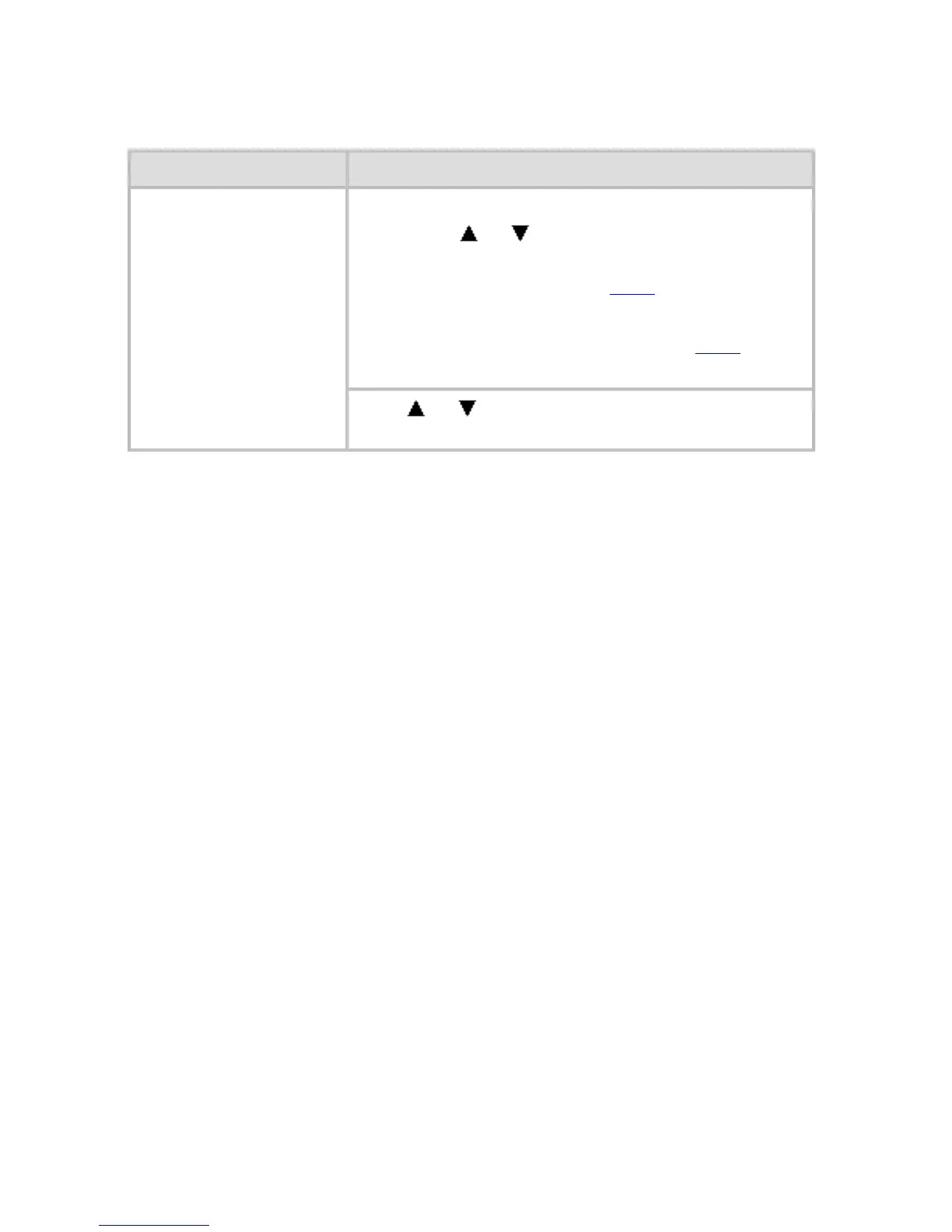
1. Press or to select Eject Cut Sheet,
press the OK button, and remove the sheet.
(See "Removing Sheets (
6.3.4).")
2. Load a new roll.
(See "Loading Rolls in the Printer (
6.2.2).")
The printer now starts printing the print job.
Press
or to select Stop Printing, and then
press the OK button.












 To Next Page