Operation
R-Concept
108 / 476
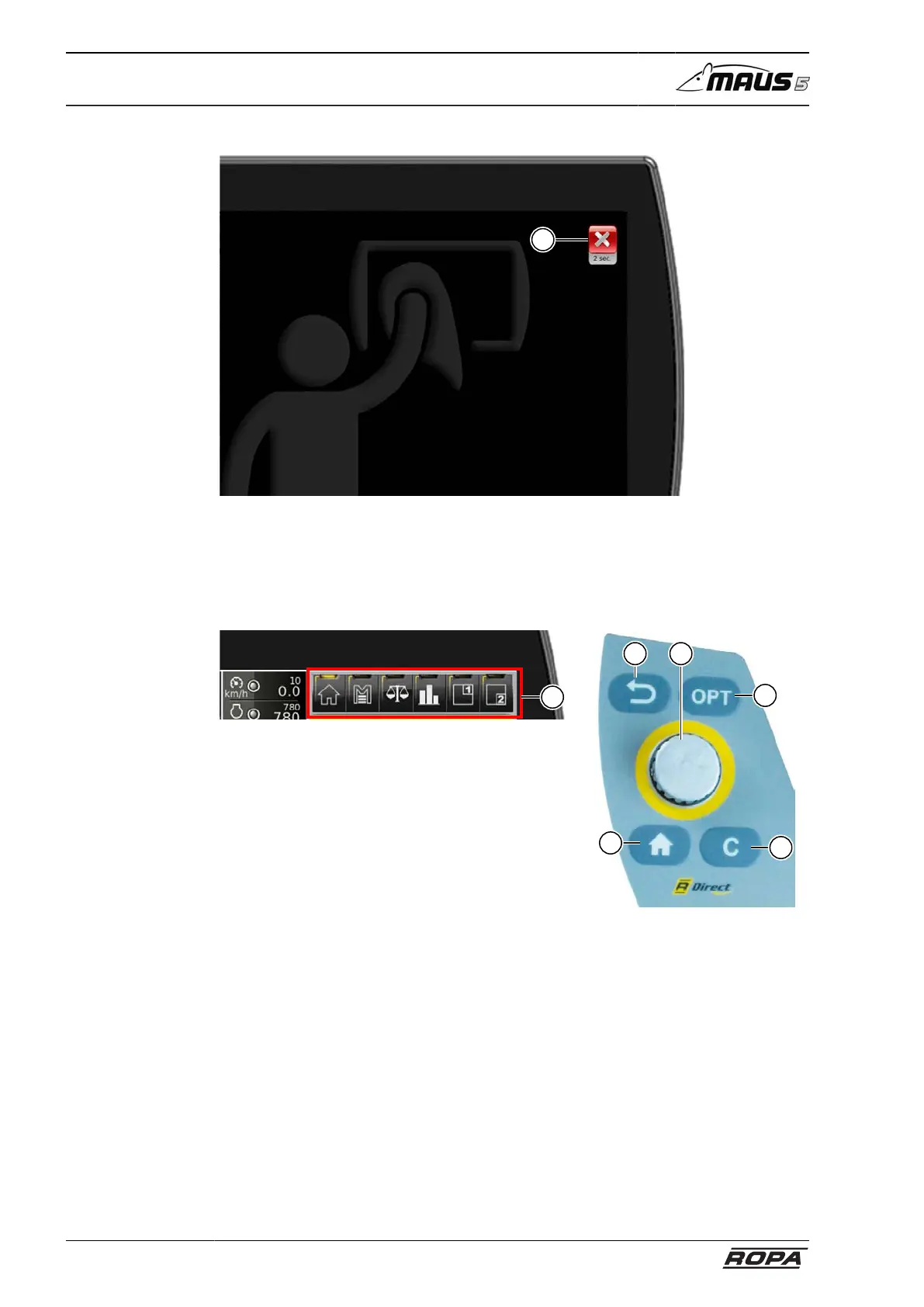
R-Touch cleaning mode
9
This mode allows the glass screen to be cleaned with a soft cloth when R-Touch is
activated. Press and hold the switch field (9) for more than 2 seconds to return to nor-
mal mode.
6.3.2 Functional area R-Direct
7
9
8
5a
6
R-Direct operating panel
The R-Direct (5) (YELLOW screen and operating panel) allows the driver to access
the main menu, the scales and to adjust warning thresholds.
The display fields can be switched the same way and by pressing the HOME you can
return to the main screen.



 To Next Page