Operation
Loading operation
234 / 476
6.13.13 Automatic reversing function for all roller drives
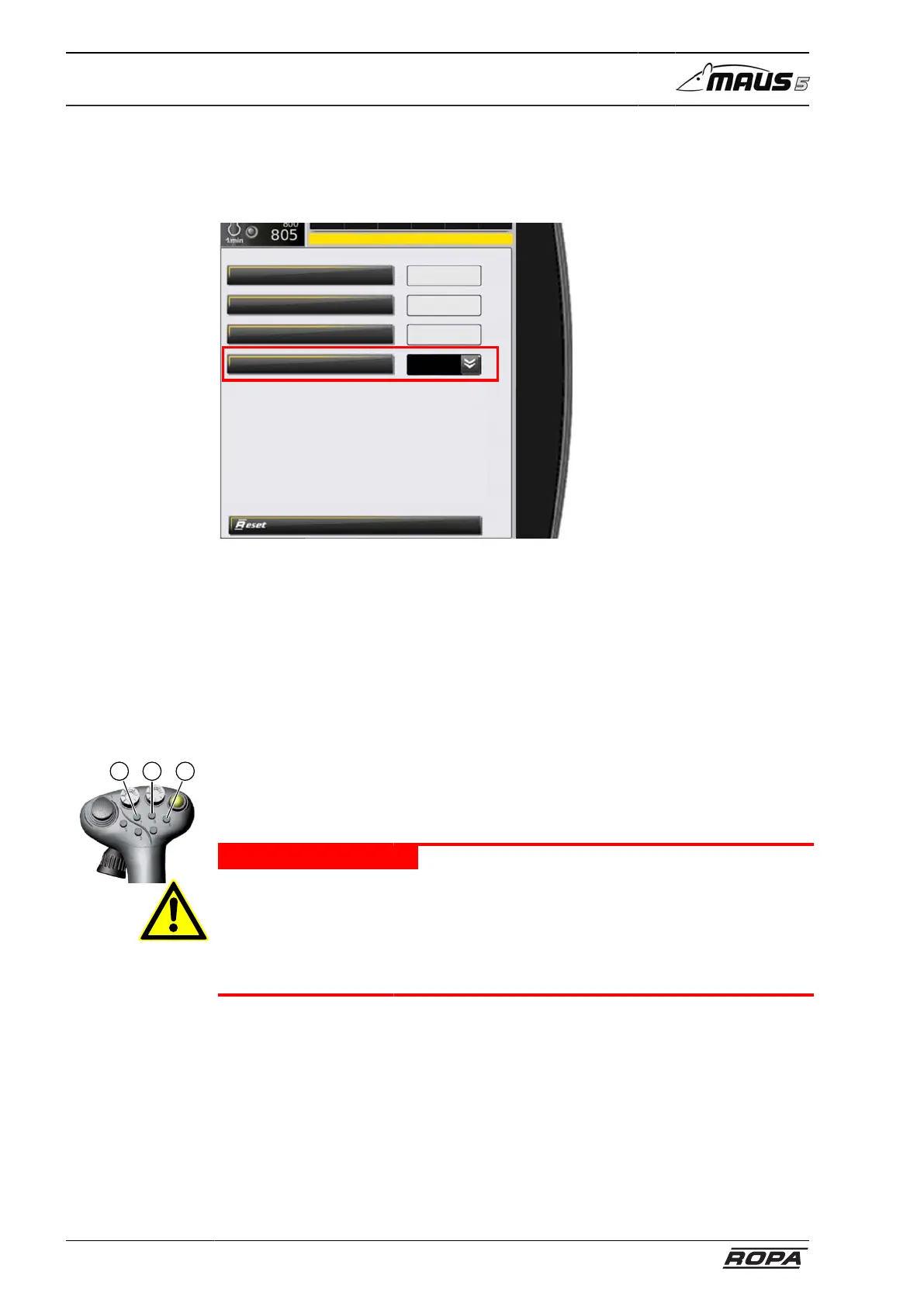
You can set the automatic reversing function in the menu "Basic settings" to "ON" or
"OFF" for all roller drives.
Main settings
Fuel reserve warning %
AdBlue reserve warning %
Greasing time (sec)
Reverse-automatic rollers
20
15
210
On
On
The automatic reversing function detects blocks on all roller drives of the beet flow.
When the system detects a block, then the automatic reversing function immediately
stops all drives located in front of the blocked drive. Simultaneously, the traction drive
is stopped.
The automatic reversing function now several times reverses the rotating direction of
the blocked drive (at maximum 5 times), until the block is overcome. Then, all drives –
including the traction drive – are automatically switched on again.
Shouldn't you succeed in releasing the blockage by reversing after five attempts, then
all drives are switched off.
87 9
You can manually start additional tries by reversing using the keys (7), (8) or (9) on the
right joystick. If you still do not success in it, then the cause for the block must be man-
ually removed.
For this purpose, switch off the machine and secure it against inadvertent starting.
DANGER
Risk of serious injury when removing blockages in drives.
– In any case, before removing blocks, completely shut down the machine and
secure it against starting by third parties.
– For this purpose, withdraw the ignition key and lock the driver's cab.
– Secure the ignition key against access by third parties!



 To Next Page