Operation
Park heating (option)
293 / 476
6.22.2.11 Set language
The setting is made similarly to setting the immediate start key (see page 292).
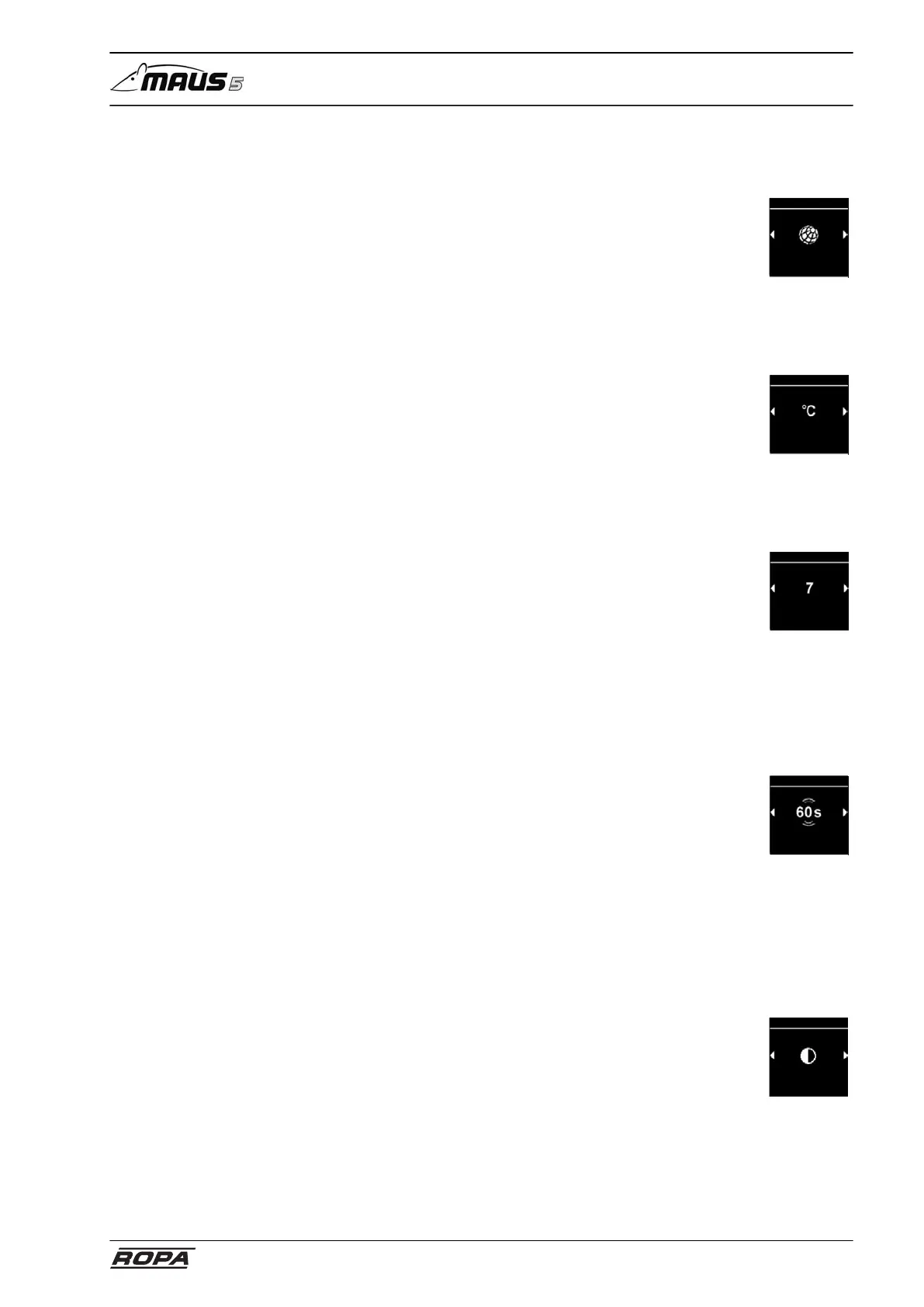
– Select "Language" in the settings menu
language
Settings
6.22.2.12 Set temperature unit
The setting is made similarly to setting the immediate start key (see page 292).
– Select "Temperature unit" in the settings menu
Settings
6.22.2.13 Set brightness
The setting is made similarly to setting the immediate start key (see page 292).
– Select "Brightness" in the settings menu
brightness
Settings
6.22.2.14 Adjusting display shutdown
The setting is made similarly to setting the immediate start key (see page 292).
If you select the "Auto" option, the display is not shut off during active heating. If no
heater is active, the display shuts off after 10 seconds in the "Auto" setting.
– Select "Switch off screen" in the Settings menu.
Settings
Screen
switch off
6.22.2.15 Set day/night lighting
The setting is made similarly to setting the immediate start key (see page 292).
Day or night lighting can be selected for the display lighting. If the "Off option is
selected, the general brightness setting will be activated without a day/night differ-
ence.
– Select "Day/night" in the Settings menu.
day/night
Settings



 To Next Page