Operation
R-Concept
109 / 476
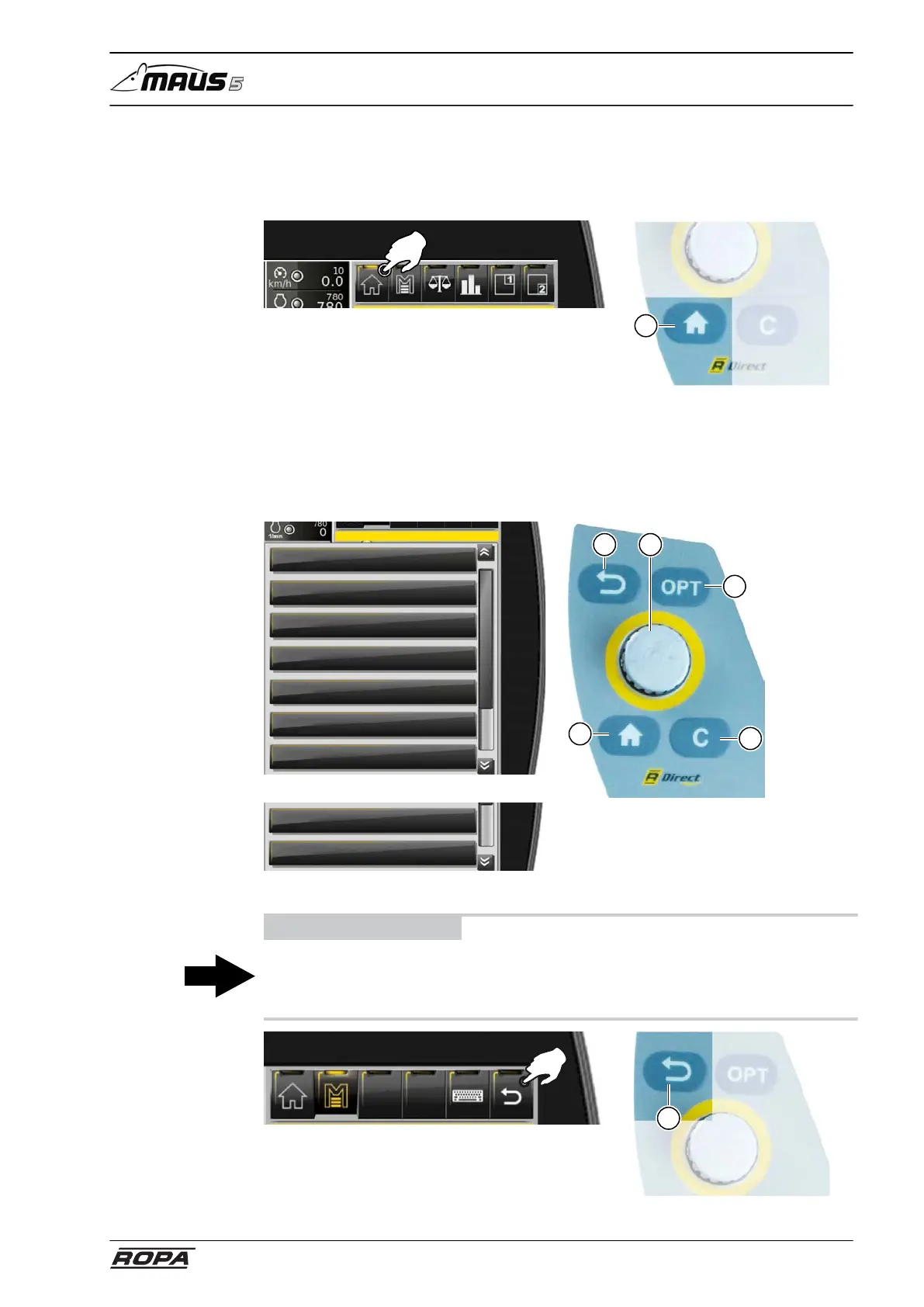
6.3.2.1 HOME key
The key HOME (8) is always available on the R-Touch as well as on the R-Direct oper-
ating panel. Press the HOME key once to return to the main screen.
8
6.3.2.2 Main menu
All submenus of the main menu can be selected with the help of R-Touch or R-Direct
rotary wheel (5a).
Main menu
Loading settings
Main settings
Light control
Water spray system
Window wiper
Special functions
System
Main menu
Loading settings
Main settings
Light control
Water spray system
Window wiper
Special functions
System
7
9
8
5a
6
ADVICE
The key RETURN (6) is always available in the menu area as well as on the R-Direct
operating panel. Pressing the key RETURN you go step by step back to the main
screen.
6



 To Next Page