Operation
R-Concept
129 / 476
6.3.4.1 Configure light programs
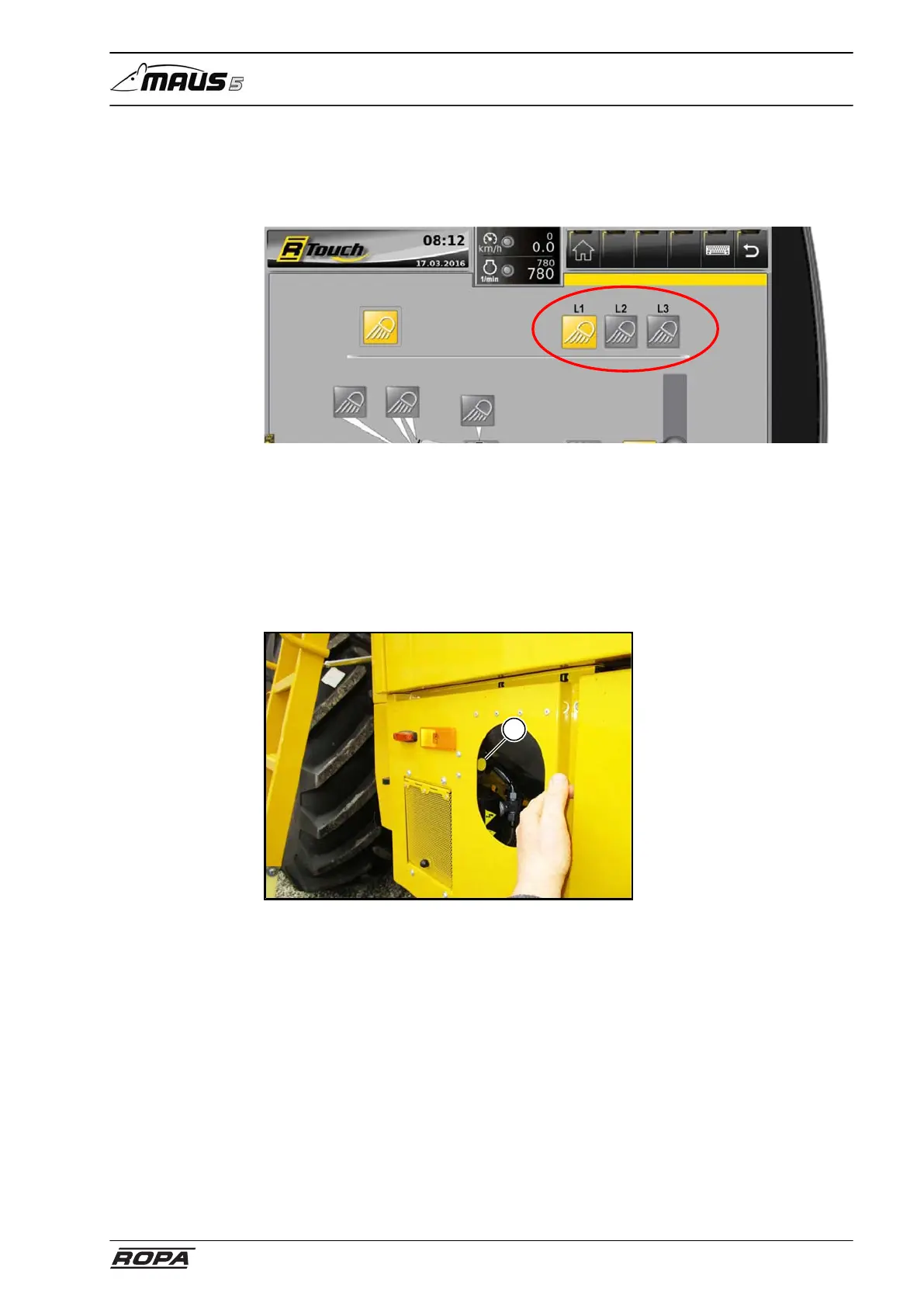
The light programs 1-3 can be individually assigned according to your wish. To do this
switch on the lights you want to save in a program. Press and hold one of the program
keys to save the active lights in a program.
Window wiperLight control
6.3.4.2 Ladder light
The functions "Coming Home" and "Leaving Home" are integrated into the machine.
To activate the Leaving Home function press the Leaving Home key (1) in the section
under the engine compartment door. The Coming Home function is activated automat-
ically when by turning off the ignition (turn the ignition from position I to position 0) the
headlights in driver's cabin roof were turned on. The headlights in the cabin roof are
turned after max. 6 minutes again off.
1



 To Next Page