Operation
Scales (option)
267 / 476
6.15.2.9 Counter
If you wish to clear one of the counters, finish weighing before clearing it (see
page 259).
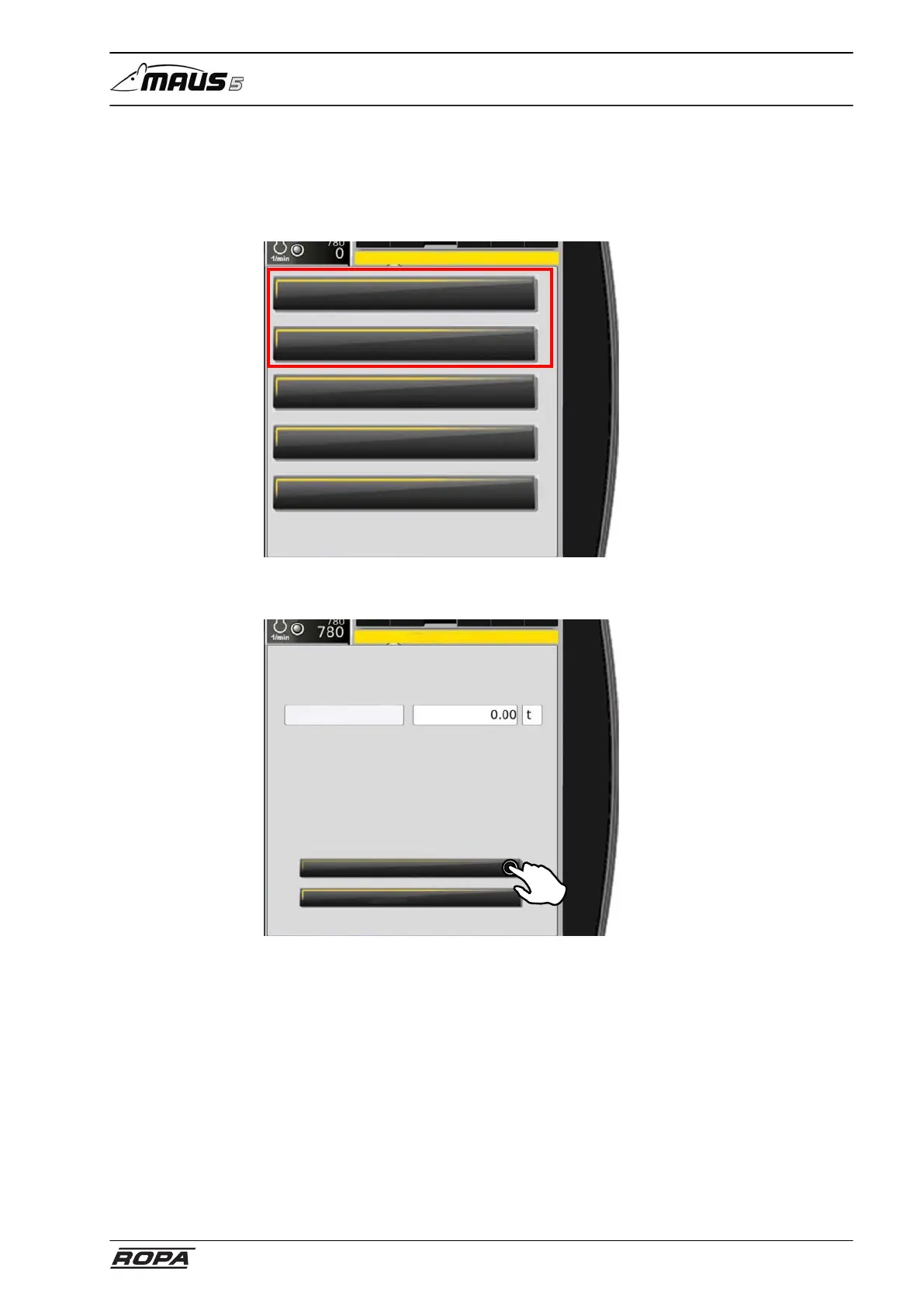
Select the "Amount day" or "Amount season" submenu in the "Scales" menu.
Scales
Amount day
Amount season
Zeroing
Calibration
Amount limit scales
Touch the "Delete" switch panel. The counter is cleared. Or select "Close" to exit the
menu without clearing the counter.
Amount day
The "Amount season" can only be cleared if keys 1 and 4 are pressed in succession
before clearing the counter. This avoids inadvertent deleting.



 To Next Page