Operation
Loading operation
231 / 476
If the warning limit of the 4 pinch rollers is exceeded, then the following warning icon
is displayed on the R-Touch.
If the 4 pinch rollers are blocked, then the following warning icon is displayed on
the R-Touch.
In case the 4-set pinch rollers are blocked, then both the conveyor rollers drive and the
pickup rollers drive are switched off.
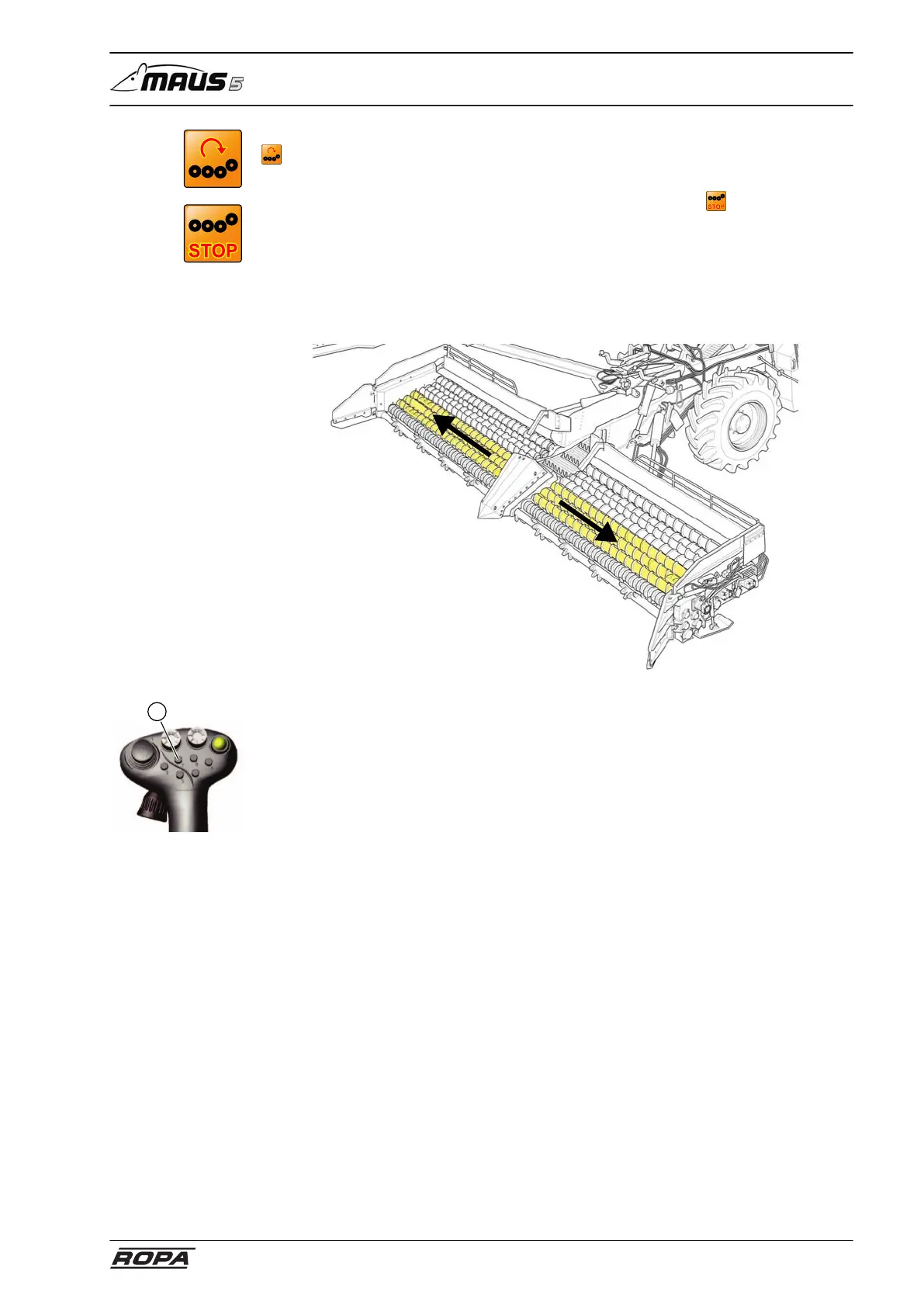
6.13.11 Conveyor rollers (drive E)
The conveyor rollers preclean the beets and guide them to the outside. This achieves
a greater cleaning effect due to the longer route.
The conveyor rollers always move in operating direction if the 4-set pinch rollers also
move in operating direction.
To switch on the conveyor rollers (can be switched on jointly with the pickup rollers),
press the key (7) on the right joystick once briefly.
When this key is briefly pressed again, the conveyor rollers/pickup rollers stop. If this
key is pressed and held pressed, then the rotating direction of the conveyor rollers/
pickup rollers is reversed.



 To Next Page