Operation
R-Concept
110 / 476
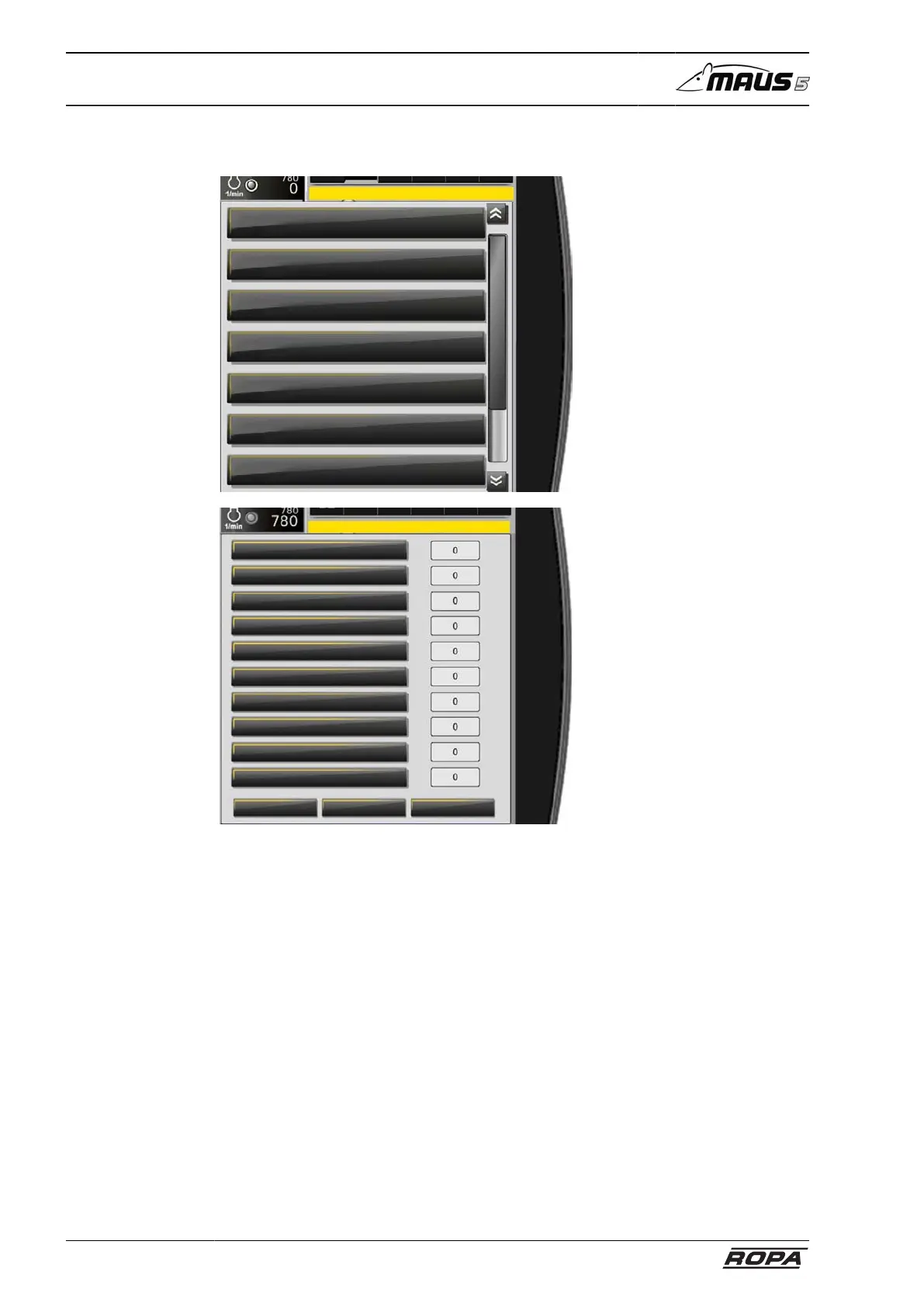
6.3.2.2.1 Menu Loading settings
Main menu
Loading settings
Main settings
Light control
Water spray system
Window wiper
Special functions
System
Main menu
Loading settings
Main settings
Light control
Water spray system
Window wiper
Special functions
System
Main menu
Amount day
Amount season
Zeroing
Calibration
Amount limit scales
Loading settings
Pile pickup lift
Pile pickup lower
Pile pickup left
Pile pickup right
Lift truck conveyor
Lower truck conveyor
Truck conveyor L rotate
Truck conveyor R rotate
Swivel arm L rotate
Swivel arm R rotate
Reset exportimport
Select the desired function by rotating and pressing R-Direct. The manufacturer's
default recommendation is always the value 0. The driver can set different values as
required ranging from -10 to +10.
- values = the function reacts more slowly
+ values = the function reacts more aggressively
The "Export" function allows you to store your personal loading settings (all settings
that are displayed on the R-Touch) conveniently on your personal USB stick. This
means that your settings will be retained if drivers are changed. When beginning the
next working shift, you can import the settings from the USB stick to the machine with
the "Import" function. Use the "Reset" function to reset all settings in the menu to 0.



 To Next Page