Operation
Park heating (option)
284 / 476
To achieve the desired cabin temperature as quickly as possible, open the circulating
air grate (1) in the rear wall at the right.
In cold weather open the air vent in the base of the driver‘s seat to heat up the
footwell.
As soon as you have opened this air vent, the air volume at the other ventilation open-
ings decreases.
Please note that fogged windows are only defogged quickly if you keep the air vent in
the footwell closed until the windows are defogged.
Make sure that the temperature sensor (4) on the rear wall of the cabin is always
uncovered and is never covered with clothing or other items, otherwise the air condi-
tioning system will not operate properly.
355541
3
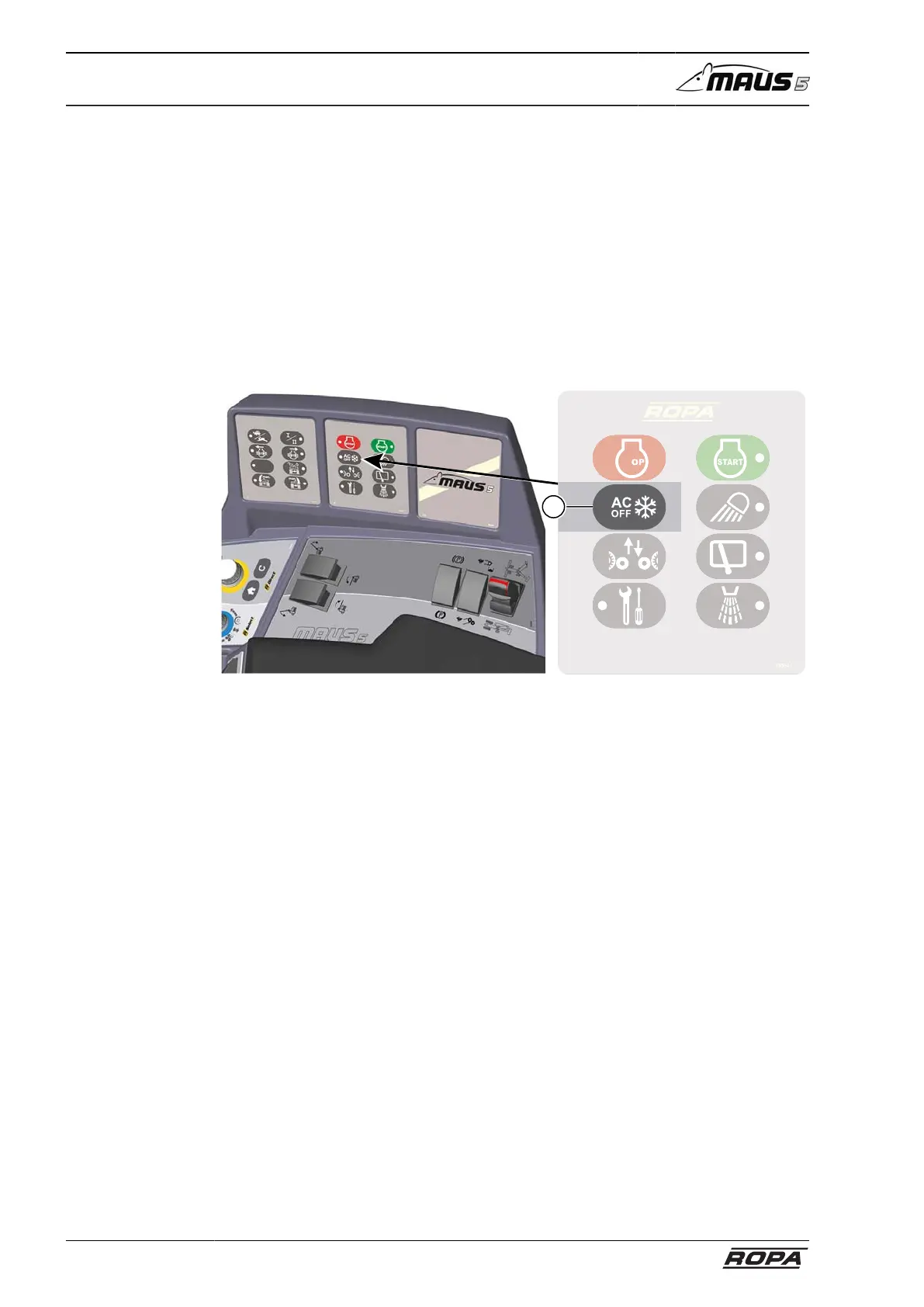
Key (3)
press once: LED is on – no cooling, only fresh air respectively heating.
Keep key pressed for several seconds: LED flashes, defroster function for clearing
windows. Fan and heating system run at maximum power; simultaneously, the air is
dried at maximum power.
6.22 Park heating (option)
6.22.1 Operation of timer
6.22.1.1 Operating element and menu structure
The timer can be used to preselect the time of starting heating within a period up to 7
days. A total of 21 switch-on times, 3 per day, can be programmed, only one of which
can be activated. If the battery has been disconnected, the time and day must be
reset.



 To Next Page