Operation
Scales (option)
264 / 476
6.15.2.7 Calibrate scales
Clean the rollers in the weighing cells and also the preceding and following rollers.
Perform zeroing (see page 261). Set the weight display of the scales to "0.00" and
weigh the first load. Record the value.
Have the actual weight of this load weighed on a calibrated scale by the consignee.
This is the only weigh to include the loss of weight due to the fuel used during trans-
port to the consignee. As soon as this exact value is available, proceed as follows: set
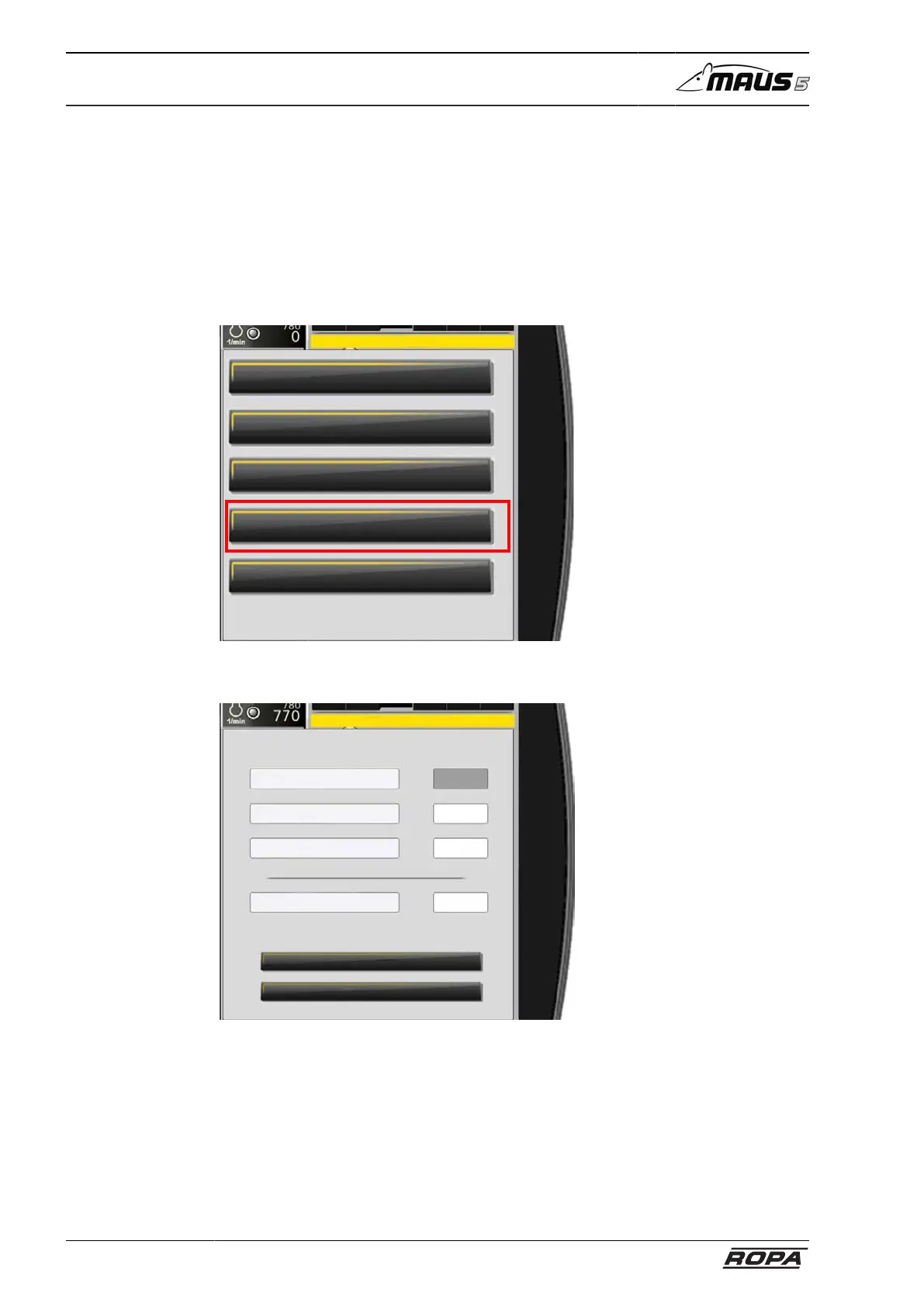
the weight display on the terminal to "0.00". Select "Calibration" in the "Scales" menu.
Scales
Amount day
Amount season
Zeroing
Calibration
Amount limit scales
Enter the weight that was recorded and read on the R-Touch while loading the first
load.
Close
Save
Value of calibration so far
Value of calibration new
Weight (kg) scales ext.
Weight (kg) scales Maus5
Calibration



 To Next Page