Operation
Scales (option)
265 / 476
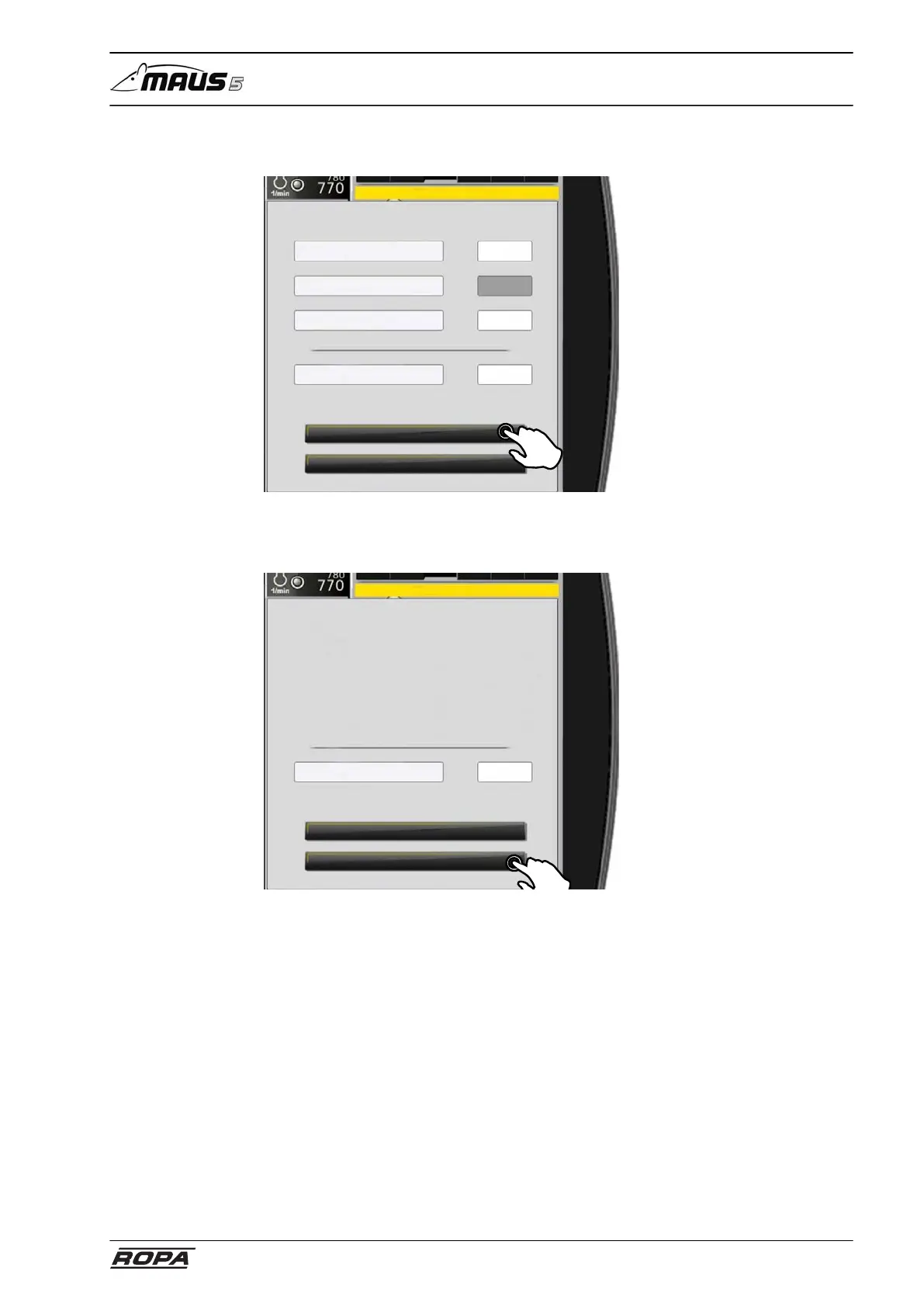
Enter the actual weight that was measured for this load with the external calibrated
scale of the consignee and confirm the input.
Close
Save
Value of calibration so far
Value of calibration new
Weight (kg) scales ext.
Weight (kg) scales Maus5
Calibration
The system now calculates the new calibration value and display the previous and the
new calibration value.
Touch the "Save" button.
Close
Memory
Value of calibration
Calibration
Now load at least five loads under the same ground and loading conditions. The accu-
mulation of soil on the conveyor should not change significantly during the weighing
processes. Total the weights of the individual loads.
Have the loads weighed externally on the calibrated scales of the consignee and total
the results for the loads. As soon as the results of the external weights are available,
select the "Calibration" menu item again. Enter the two weights again.
On completion of the calibration process, check the accuracy of the scale as
described above with another loading process. If this check result is satisfactory, cali-
bration is complete. If the weight has not yet reached the desired accuracy, repeat the
calibration (always with the total of at least five loads) as described above.



 To Next Page