Operation
R-Concept
116 / 476
Submenu Terminal settings
settings terminal
language
display setting
volume level
day/night
Night-time display
brightness/day
brightness/night
R-Transfer Wi-Fi
Key tone
ENG
standard
1
Day
Night-time display 2
8
3
Off
On
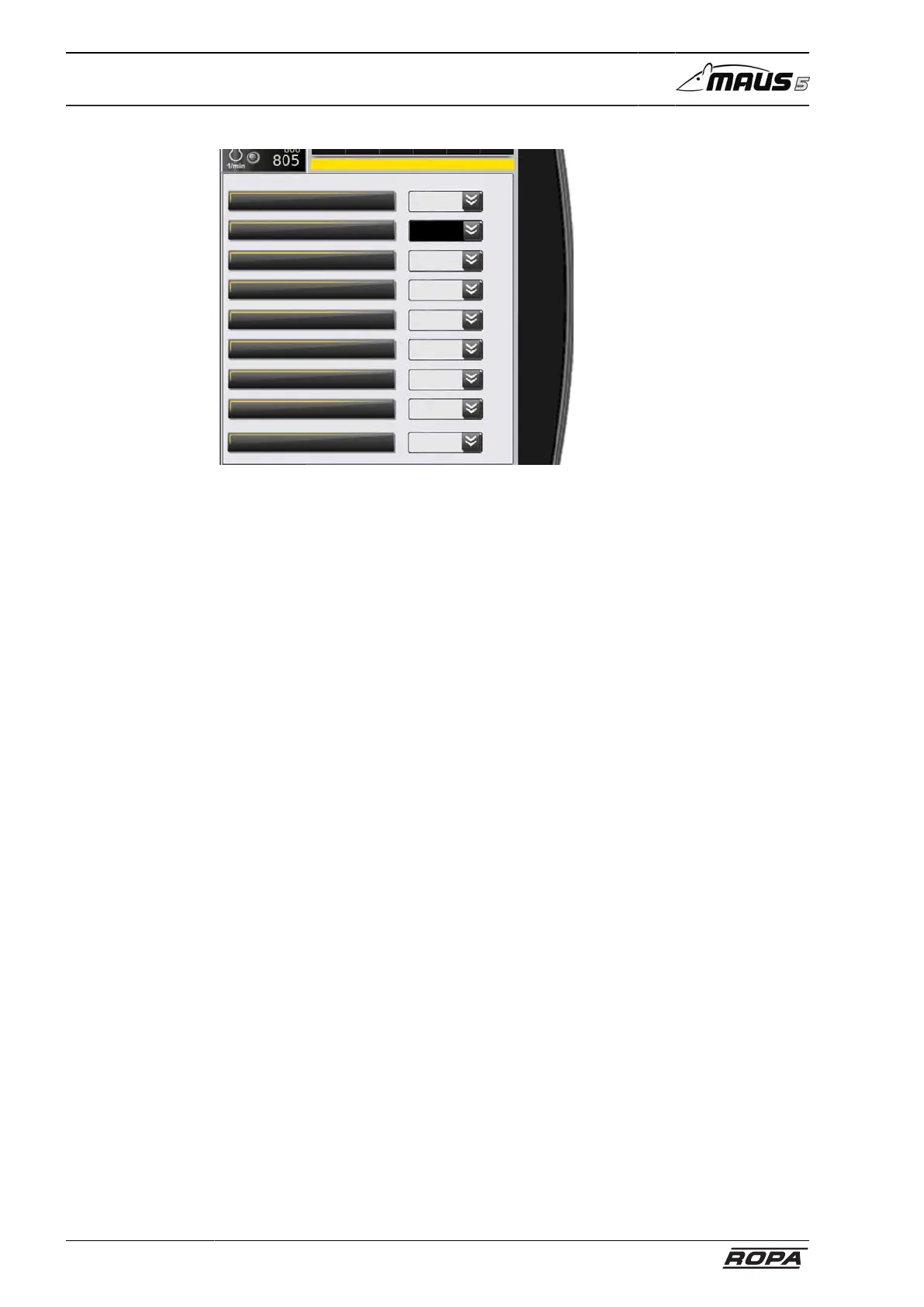
In the line "Language" you can set the language of the R-Touch.
In the line "Display setting" there is a possibility of switching between standard display
and expert mode. We generally recommend standard display, because this is much
clearer. The expert mode does not offer any additional functions or advantages for
everyday work, but is mainly meant for service personnel or malfunctions diagnostics,
to display specific operating status in greater detail.
In the line "Volume level" you can set the volume level of the warning and advisory
tones.
In the line "Day/night" the switching between day and night-time display is possible.
This changeover only becomes effective when you leave the menu using the Return
key.
In the lines "Brightness day" and "Brightness night" you can set the brightness of the
screen for day and night-time display separately.



 To Next Page