Operation
Video system
281 / 476
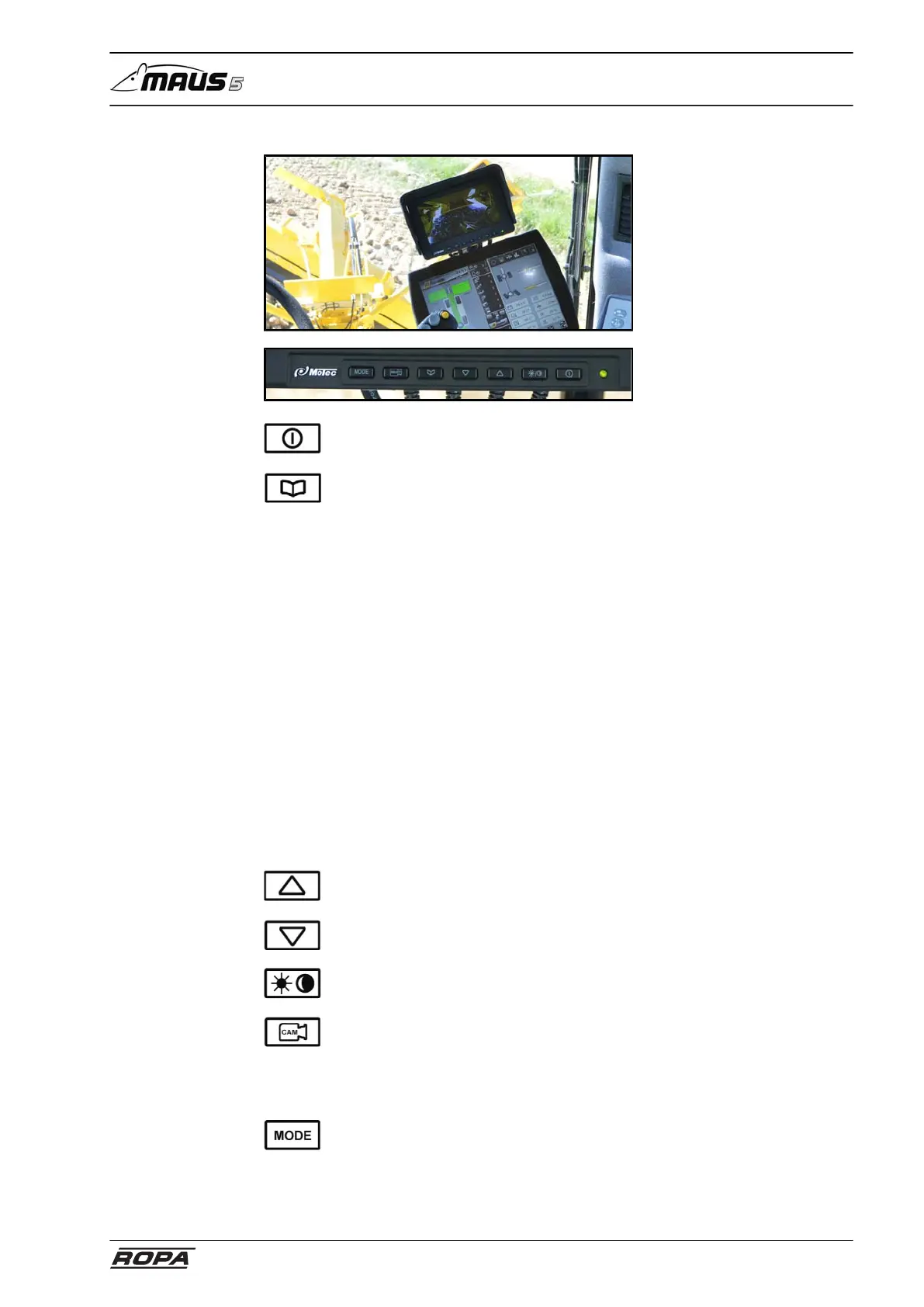
Video monitor
Monitor on/off
Open and switch the menus in this sequence:
brightness brightness - 0(MIN) ... 60(MAX)
contrast contrast - 0(MIN) ... 60(MAX)
colour colour saturation - 0(MIN) ... 60(MAX)
standard Reset to factory settings
language Language - English, French, German, Spanish, Por-
tuguese, Italian, Polish
Reflection the camera image is reflected. Return to the main
menu with the "Input" menu item. Close the menu with
the "Exit" menu item.
Video PAL, NTSC, Auto
Poc OFF/ON. Monitor is started when the ignition is
switched on OFF monitor can be switch on and off at
the monitor.
Timer on/off automatically switches camera on and off
Timer setup Sets the display period for every single camera in
timer mode
"Plus" selection key
"Minus" selection key
day/night switching
CAM Use this key to switch among camera 1, camera 2, camera 3 and
camera 4 in single-image mode. In split-screen mode the operator can
switch among cameras 1/2, 2/3, 3/4 and cameras 4/1. This key has
no function in triple and quadruple image mode. Cameras can only be
selected if a control line is not assigned.
MODE Pressing the mode key allows the operator to switch among
the individual display modes (single image, split image and quadruple
image).



 To Next Page