DMG 3200/3100/3000 – User Manual
Page 128 (306)
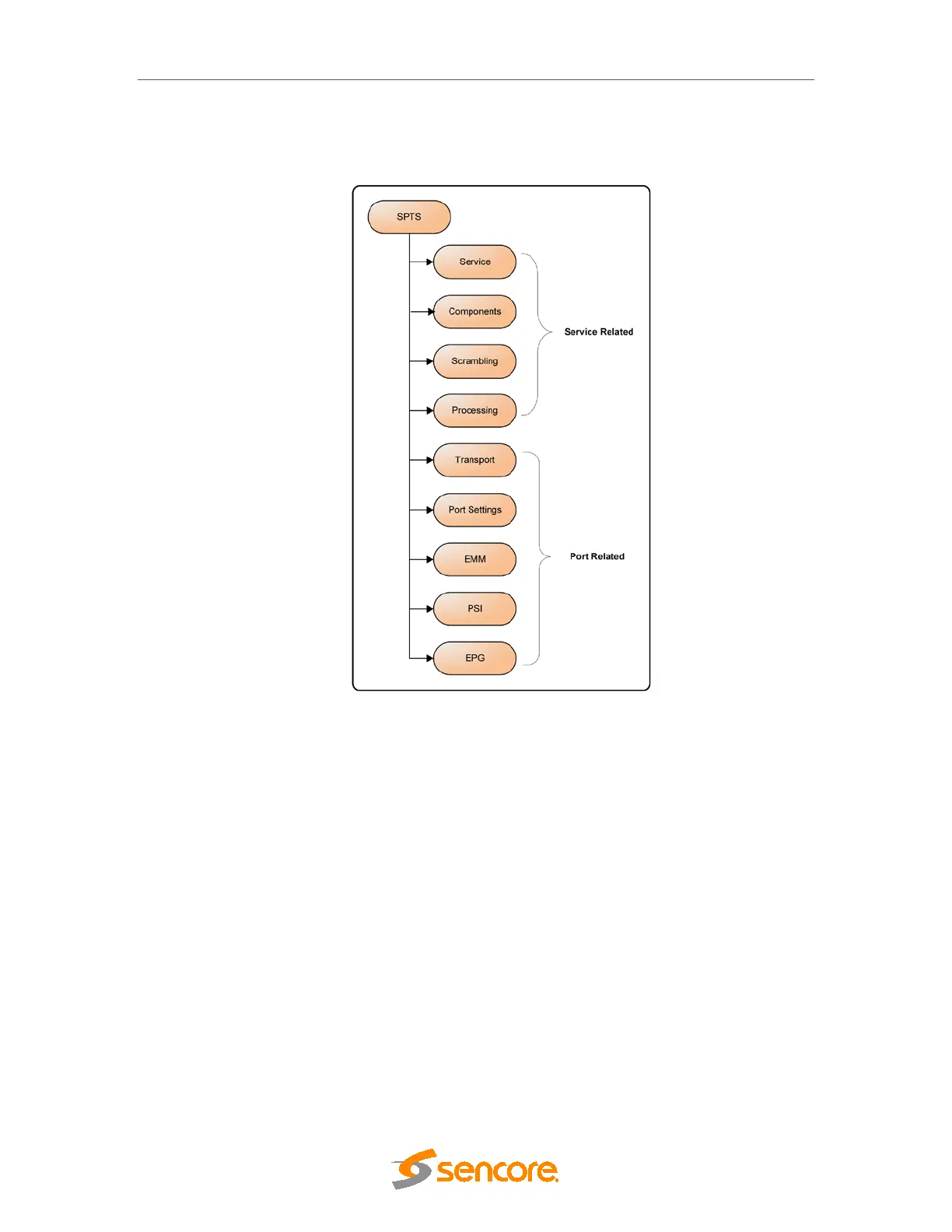
The figure below shows the layout of properties dialog for SPTS. Double click on an SPTS to
access its properties. The tabs available for both MPTS and SPTS properties are almost
identical; wherever there are differences, they are pointed out in the text.
Figure 7.10 - Layout of Properties Dialog for an SPTS
The SPTS output is only supported by the IP output module



 To Next Page