DMG 3200/3100/3000 – User Manual
Page 236 (306)
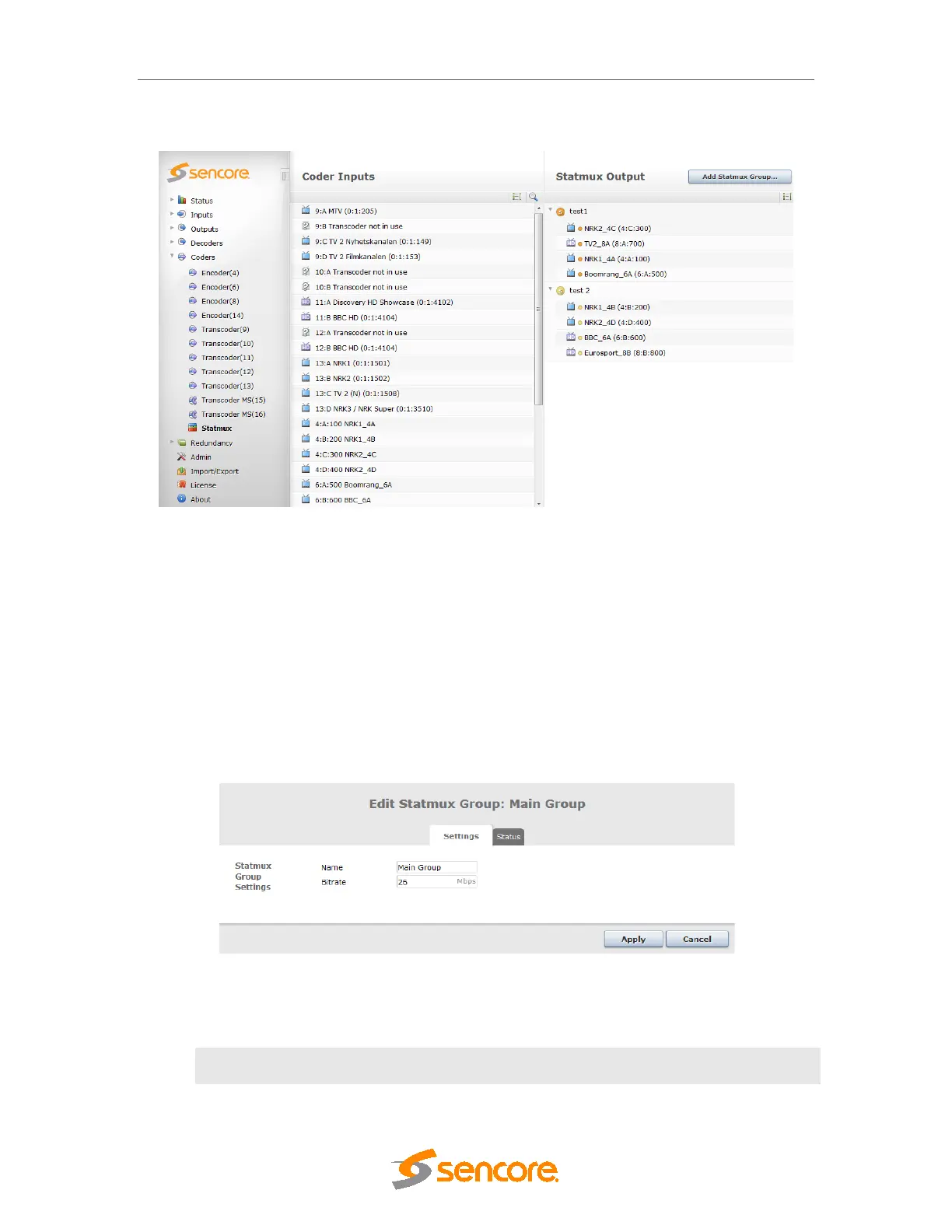
Figure 8.46 – Statmux configuration
The Add StatMux Group button will create up to 4 StatMux groups per chassis. A maximum of
32 programs may be added into StatMux groups, by dragging them from the coder input and
dropping them into a StatMux group.
For services from the transcoder module, please note that you will have to configure these on
the output before they are able to be added to a Statmux group.
8.7.2.1 Editing a StatMux Group
Double clicking any of the StatMux group top level nodes (eg Main Group below) will bring up
the Edit StatMux Group dialog:
Figure 8.47 – Statmux Settings
Two parameters are available under the Settings tab:
Name
User generated name that identifies the StatMux group in the GUI.



 To Next Page