Charts ECDIS-E User Guide
4-56 65934012
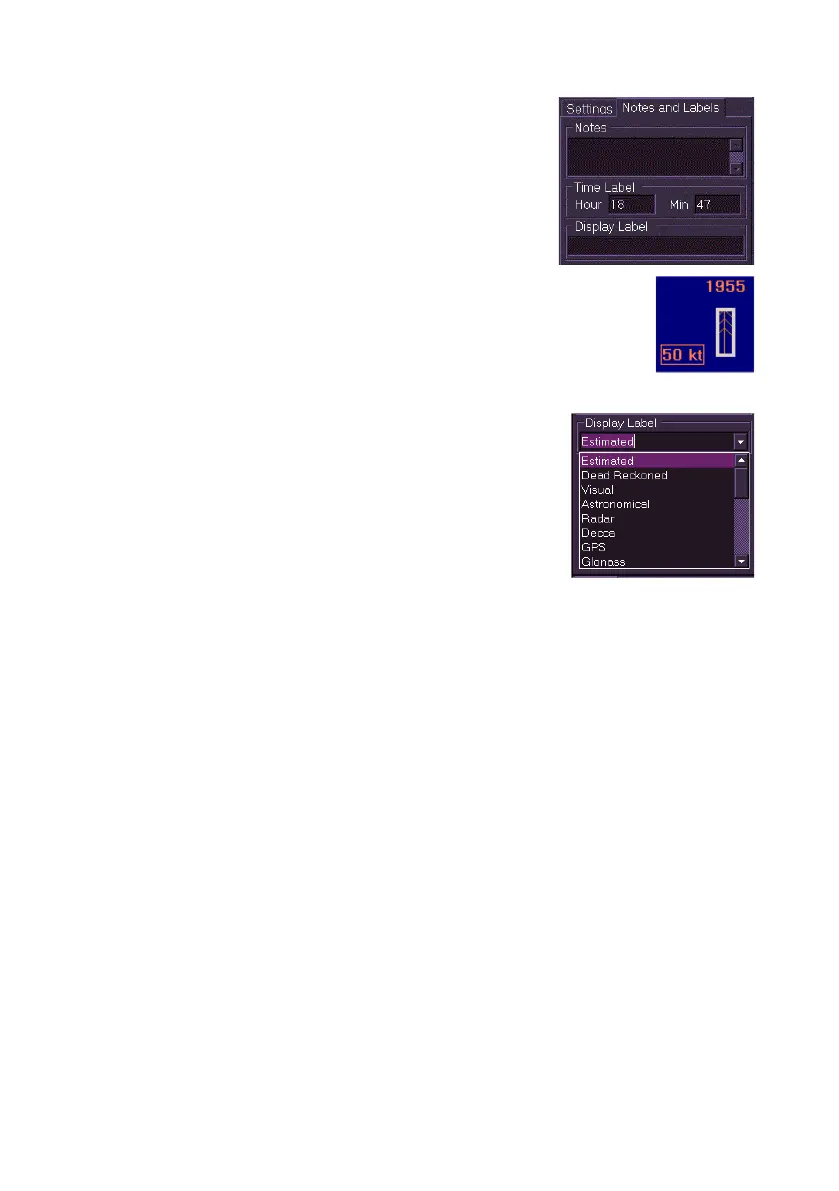
6. The Notes and Labels tab includes Time
Label and Display Label fields.
7. The time label denotes the time, in hours and
minutes, when the symbol was created. To
change the time label click in the Hour and
Min fields and move the trackball left or right
to change the values.
8. The display label for tidal streams denotes the
approximate speed of the tide in kilometres, with a
range from 0 to 498 kn. To enter a value click in the
Display Label field and move the trackball left or right
until the required speed is shown. The display label
appears to the lower left of the symbol.
9. The display label for a Position Fix is
selected from a drop down list. When selected
the label is shown with abbreviated letters only
e.g. EP for Estimated position.
10. To create a date dependency for the object
see `Creating Date Dependent Objects'.
11. To exit the Create Chart Objects mode click
the Done button, the symbols created are fixed in position and the
view returns to the Edit folder.



 To Next Page