ECDIS-E User Guide Navigation Tools
65934012 5-5
There are two ways of realigning a PI line to ship's heading.
To realign using the PI Lines menu:
1. Select the line from the Line Data area by
clicking on the line's reference number
(when selected the numbered box is
highlighted).
2. Click the Realign Line button at the bottom of the Parallel Index
Lines window. The line bearing changes to ship's current bearing
and the line is redrawn parallel to the heading line.
To realign a PI line from the screen:
1. Move the cursor over the PL line until the cursor symbol changes to
the following
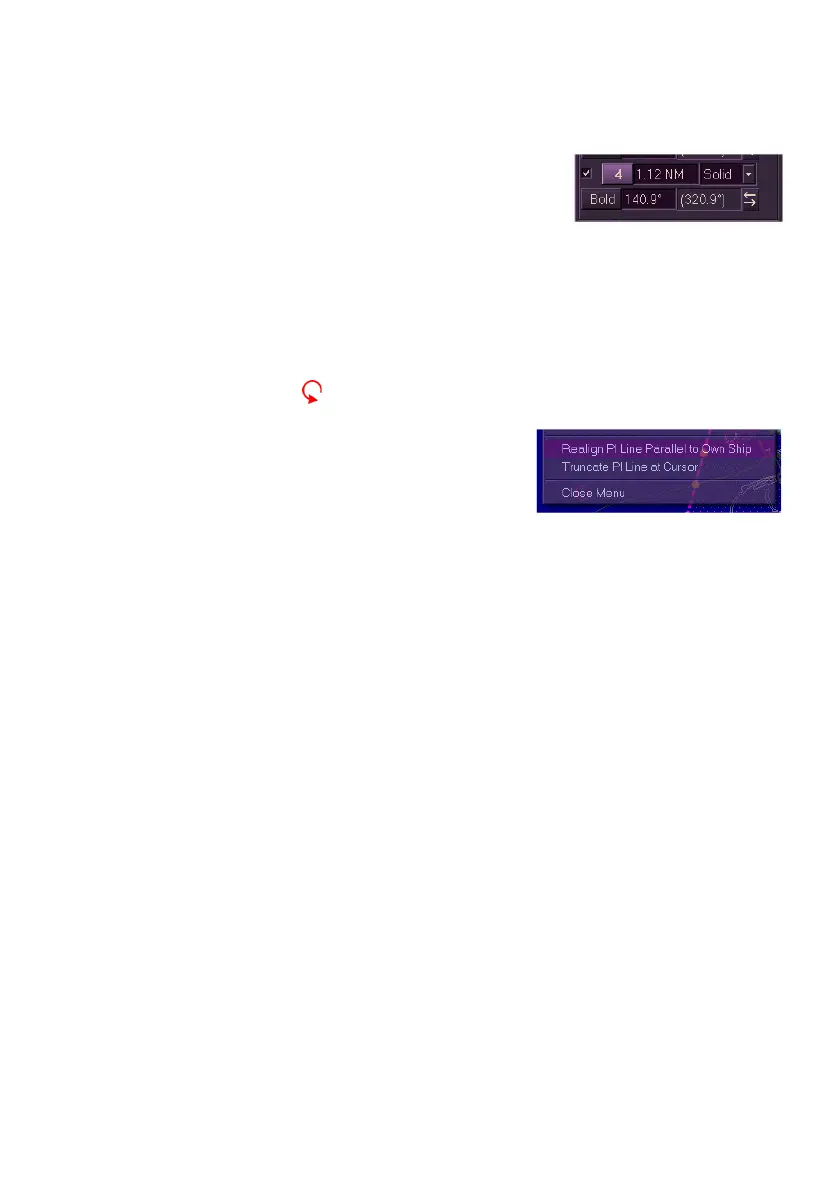
2. Right click on the line and from the
context menu select Realign PI Line
Parallel to Own Ship. The line is
redrawn parallel to ship's heading line
and the line's bearing is adjusted.
Copying or Renaming PI Line Sets
To copy or rename a PI line set do the following:
To copy a PI Line set:
1. Select the set from the Selected Set drop down list and click on the
Copy Set button. The window prompts to enter a name for the
newly copied Pl line set with the current date and time highlighted
in the set field name.
2. To enter the current date and time as the PI name click the OK
button, or to edit the name click in the field, the text changes to
green (editable) and the on-screen keypad is displayed
immediately below the field.
3. Enter a new name using the keypad, press the Back button to
delete characters or the space button to create a space. With the
required name entered press the OK button.
4. When a new set name is created the set name is entered in the
system and displayed in the Selected Set drop down list.
To rename an existing PI line set:
1. Highlight the set name from the Selected Set drop down list and
click on the Rename Set button. The window prompts to rename



 To Next Page