243
5 Setup Data
5.4 Setup2 Editor
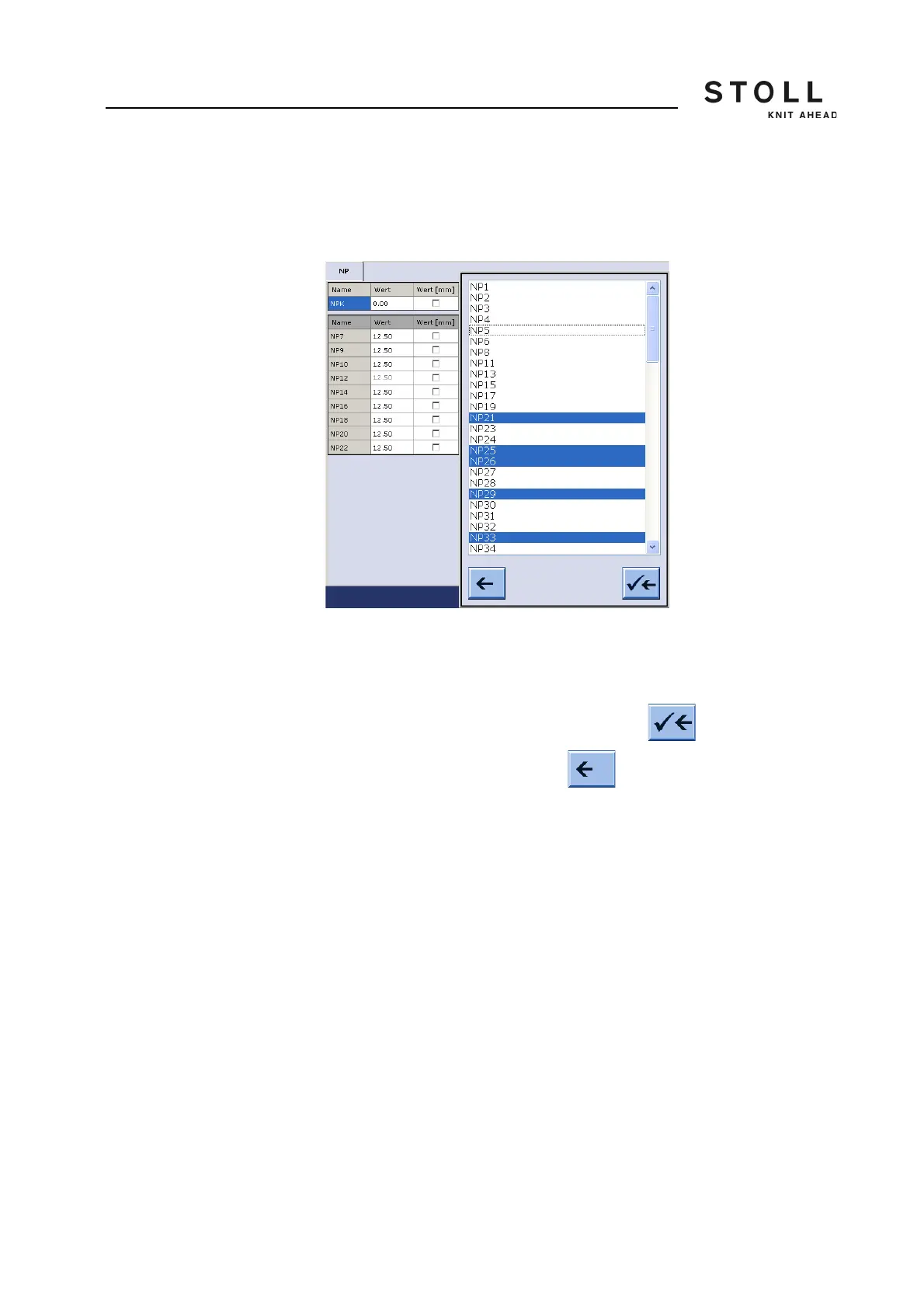
Adding a table row You will find only those entries in the selection list which are not yet part of
the table.
Example:
Some NP are part of the table.
Select NP indices in the "Add Rows" dialog box from those not yet listed in
the table.
Multiple selections are possible.
Apply the selected NP indices to the table with .
You can cancel the procedure with .



 To Next Page