VS1 Installation, Configuration & Operating Guide 243
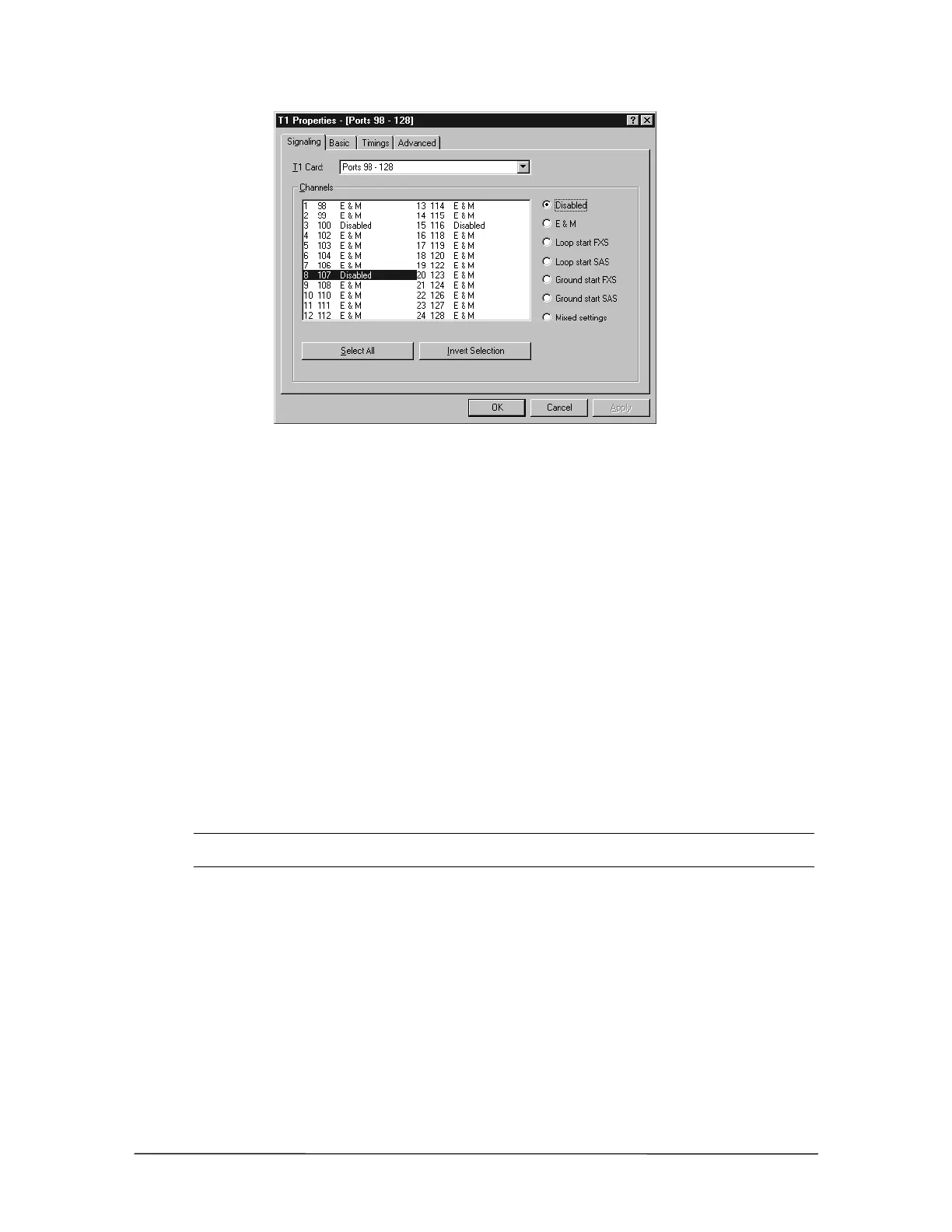
Signaling tab
4. Select the Basic tab on the T1 Properties dialog box to set up the framing for the T1 Interface
Card. You have the following options:
• Framing mode—ESF is the preferred framing mode; however, many Service Providers
only support the D4 framing mode.
• Line coding—B8ZS is the preferred Line Coding when using ESF framing. AMI is the
preferred Line Coding when using D4 framing.
• Bit 7 stuffing—Some Service Providers may require you to enable Bit 7 stuffing when
B8ZS is not used.
• Line build out—This determines the strength of the transmitted signal from the T1
Interface Card to the Service Provider. There are three levels: 0.0 dB, –7.5 dB, and –15.0
dB. Set the Line build out to –15.0 dB, and increase to –7.5 dB or 0.0 dB if the Service
Provider does not detect a transmitted signal from the T1 Interface Card.
• Clock source (T1 or PBX)—It is important to set up the Clock source correctly. If only
one T1 Interface Card is installed, and the system is connected to a Service Provider, select
a Clock source of T1. If two T1 Interface Cards are installed, then select one card as the
master, and set it as the T1 Clock source. The other T1 Interface Card must have the Clock
source set to PBX. If more than one card has its Clock source set to T1, the phone system
will not work.
Note If both T1 Interface Cards have their Clock source set to PBX, the system will work but the
T1 connection will be degraded. The default Clock source setting is PBX.



 To Next Page