244 Reference
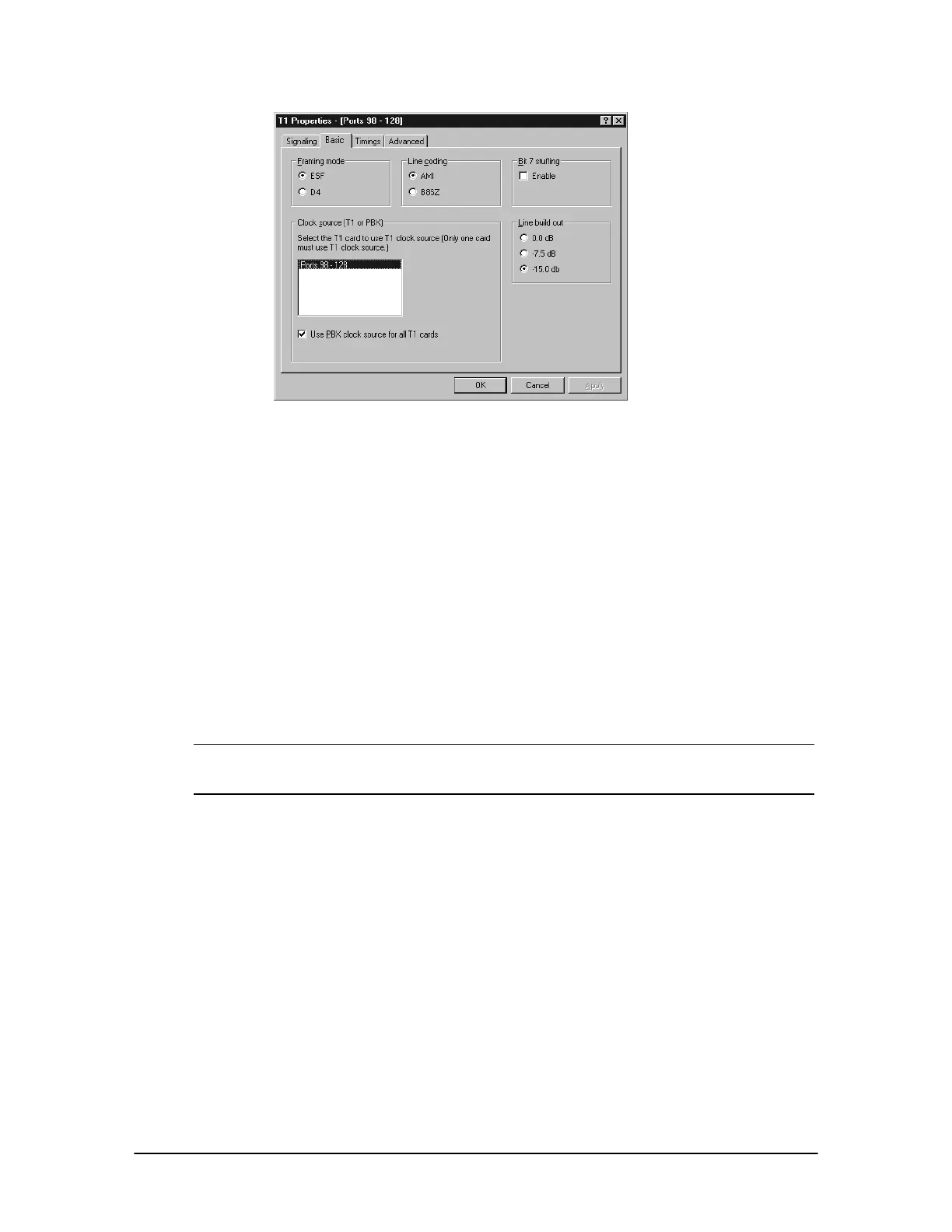
Basic tab
5. Select the Timings tab on the T1 Properties dialog box to set the timing parameters for the T1
Interface Card. The Timings tab is divided into four group boxes:
• E&M Timing (outbound calls)—The Delay dial timeout sets the timeout for the PBX to
detect the start of a wink signal; the Minimum and Maximum wink duration sets the
minimum and maximum length for a wink signal from the T1 Service Provider; Delay
from wink until dialing sets the delay after the T1 Service Provider wink signal until the
PBX starts dialing.
• Loop/ground start timings—The Timeout for dial tone sets the timeout for the PBX that
is detecting dial tone from the T1 Service Provider; Delay after dial tone sets the delay
that occurs when the T1 Service Provider asserts a dial tone until the PBX starts dialing;
Timeout for ringing sets the timeout for the PBX detecting a loss of ring signal.
• ANI delays—Delay from wink until ANI is used to set the delay that occurs after the
PBX wink signal until the T1 Service Provider sends ANI/DID tones; Maximum
interdigit delay for ANI sets the timeout for delay between ANI/DID tones from the T1
Service Provider.
Note The settings for E&M Timing (outbound calls), Loop/ground start timings, and E&M
Timings (inbound calls) usually do not require any adjustments. Changes to the settings
are necessary only when trouble occurs with the default settings.
• Wink settings—Select the appropriate option button based upon information provided by
the T1 Service Provider, or use the Custom option button to set the wink timings manually.



 To Next Page