VS1 Installation, Configuration & Operating Guide 245
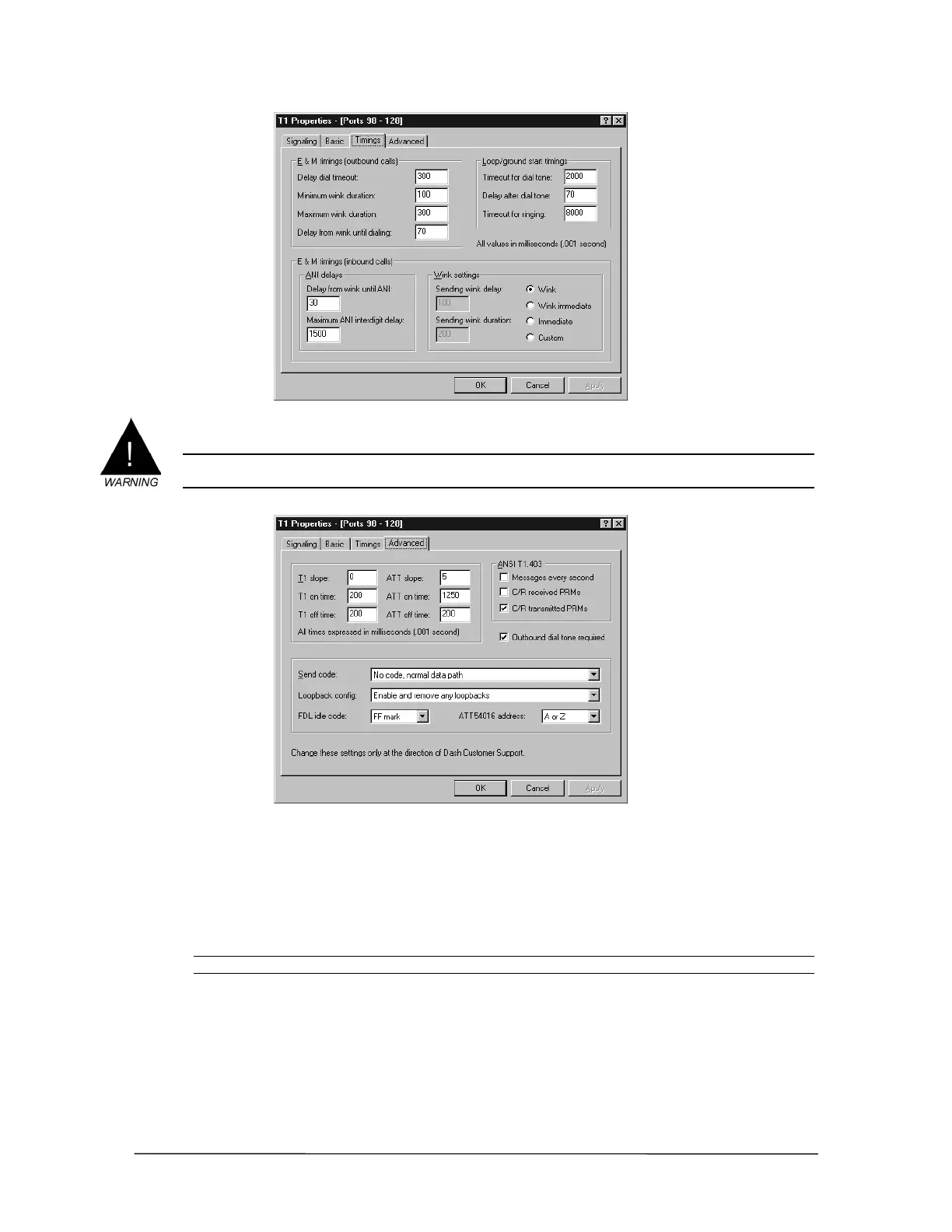
Timings tab
6. Select the Advanced tab to make changes to any advanced settings.
Warning! Advanced settings rarely require adjustment and should only be changed at the direction
of Telecor Technical Support.
Advanced tab
7. Click OK to return to the Configuration window in Tel-Site and then click the Reload
Changes button.
• The Reload changes dialog box appears.
8. Select T1 reload in the Reload options group box, and then click OK.
Note It is not necessary to reset the system for changes made to T1 settings.



 To Next Page