Introduction Configuring RMON History
Software Reference for SwitchBlade x3100 Series Switches (Network Management)
7-106
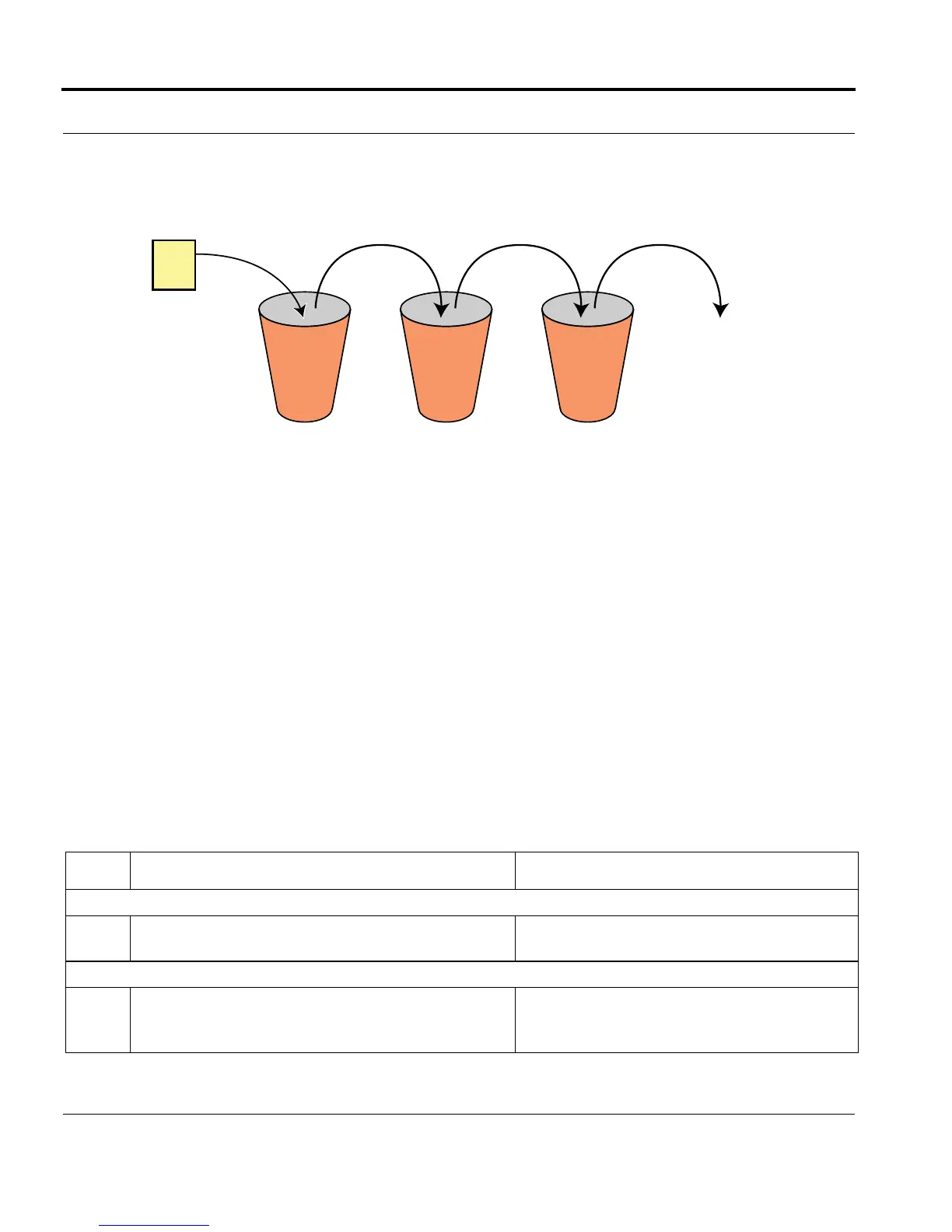
• Each bucket will collect 1800 seconds (30 minutes) of data
• There are 48 buckets, so data older than 24 hours will be discarded.
FIGURE 7-15 Data Collection Using Buckets (48) and Intervals (1800 seconds)
7.5.8.2 RMON History Configuration Procedure
An RMON configuration procedure to collect historical data involves the following steps:
• Create an interface history with an interval and number of buckets.
• Associate the interface history with a specific interface.
• Modify the intervals and buckets if needed.
• To modify the number of buckets, use the SET INTERFACE command. To modify the interval, delete the
interface history and add a new interface history.
• View the RMON history for an interface with the SHOW command.
.
TABLE 7-16 Configuration procedure for RMON
Step Command Description
Create an interface history and add an interval and number of buckets. Associate a specific interface.
1
ADD INTERFACE= COUNTER HISTORY INTER-
VAL=interval-list [ BUCKETS=1..2700]
To modify the number of buckets, use the SET INTERFACE command.
2
SET INTERFACE=<interface ID> COUNTER
HISTORY [INTERVAL={interval-
list|ALL}][BUCKETS=<number>]
The number of buckets can be 1 to 2700.
Most Recent Data Oldest Data
End of
Interval
Bucket No.
1 2...47 48
GE1 Port
Data older
than 24 hours



 To Next Page
 Loading...









