Configuring Port Authentication Introduction
6-99
Software Reference for SwitchBlade x3100 Series Switches (Access and Security)
6.9.1.3 VLAN Configuration
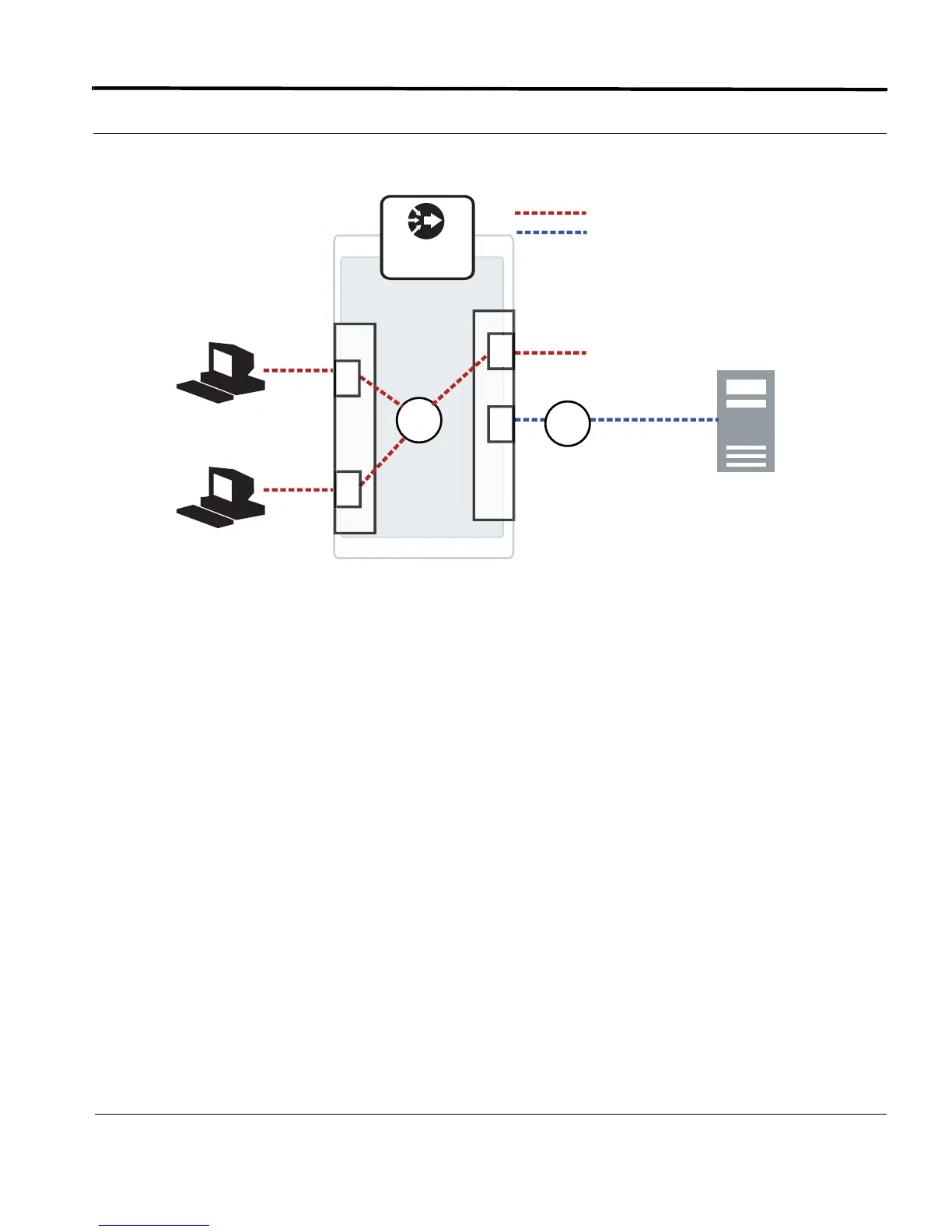
FIGURE 6-3 Sample Port Authentication Configuration
6.9.2 Configuring Port Authentication
6.9.2.1 Default Configuration
When an SBx3112 switch is initially booted up, all of the ports have Port Authentication disabled.
6.9.2.2 Configuration Guidelines
•
Either the MGMT interface or the Inband interface can be used to access the RADIUS server.
• More than one RADIUS server can be configured, and so the PRIORITY parameter is used (Refer to ADD
RADIUS SERVER (SEC)
.)
• The SECRET parameter set with ADD RADIUS must match the one set on the RADIUS server.
• For accounting to be configured, the accounting option must set on the RADIUS server as well as with the
SET DOT1X command.
• Dynamic VLAN, Guest VLAN, and Authorization Fail VLAN are not supported in 14.2.
6.9.2.3 Feature Interaction
•
For the interfaces that will have the Port Authentication feature enabled, the user must first exclude from
STP those interfaces. (User must enter the DISABLE STP INTERFACE <interface-list>.)
201
SBx3100
301
4
Slot 6
Slot1
Supplicant A
192.168.10.254
(RADIUS Server)
Supplicant B
22
23
= Service VLAN (such as data traffic) - 301
Subscriber Traffic
= Inband MGMT VLAN - 4



 To Next Page
 Loading...









