737 Flight Crew Operations Manual
Flight Management, Navigation -
FMC Takeoff and Climb
Boeing Proprietary. Copyright © Boeing. May be subject to export restrictions under EAR. See title page for details.
11.41.14 D6-27370-866-EGP
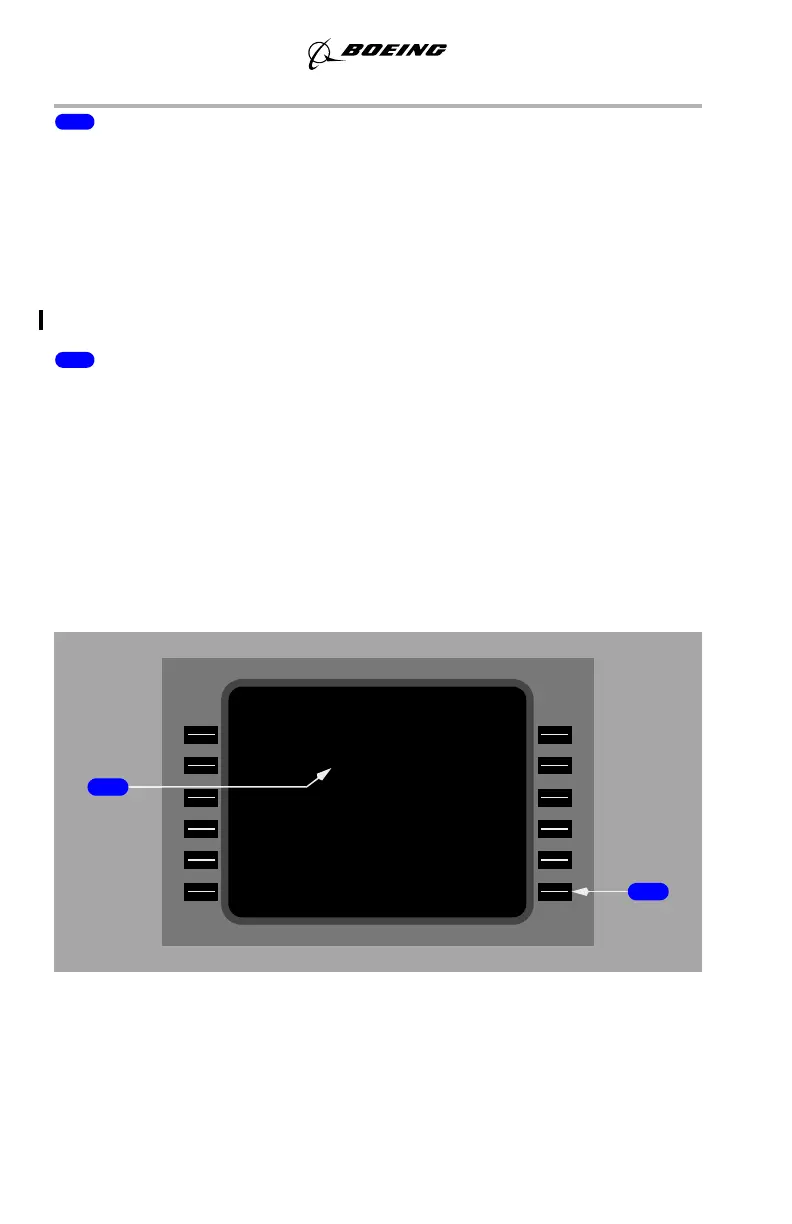
8 ACTIVATE, RTE DATA
The activate prompt is displayed on the legs page when the route is not active.
Push –
• ACTIVATE arms the execute function. Pushing the EXEC key activates
the route and changes the ACTIVATE prompt to RTE DATA
• RTE DATA displays the route data page. The RTE DATA prompt is
used to review or modify additional information about the route.
YW273, YW274
(SB Changes YK981 - YQ456)
9 RTE (1 or 2) LEGS
Push – Displays RTE LEGS page that is at LSK 6L, either RTE 1 LEGS or RTE
2 LEGS.
Map Center Step Display
The map center step prompt replaces ACTIVATE or RTE DATA when the EFIS
control panel mode selector is placed in the PLAN position. Pushing the prompt
key advances the waypoint that is displayed in the center of the navigation display.
The label <CTR> is displayed to the right of the corresponding waypoint on the
RTE LEGS page.
(SB Changes YK981 - YQ456)
AUTCA/PNR----LPAM--RTC
°78MN74
°07MN9.6
°821MN8.1
°131MN2.4
ETRTCAGELS 4/1
GDH°921MN1.3
)0001( 1 1/66 A000
C<ERCAL
2>RT2/41 005
10CAL2
4/05 096
SPMAV28/05A000
ROMUR
6.LF/73091
N12.0/00.1M
S>PET
September 15, 2016



 To Next Page