9
Operation
146/198 CCD CAM 100 – Installation and Operating Manual
The following edge definitions apply for standard applications:
Application Edge Definition
Edge 1 Edge 2
Single Camera System
Scan direction
Edge 1 Edge 2
bright
dark
Video curve
first bright/dark
contrast transition
last dark/bright
contrast transition
Dual Camera System
CCD camera 1 CCD camera 2
Scan direction
Edge 1 Edge 2
bright
dark
Video curve
last bright/dark
contrast transition
first dark/bright
contrast transition
Example of Application
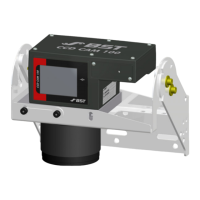
In a dual camera system one camera must be installed turned by
180° for mounting reasons (for example because a bar of the
machine frame would cover the display of the CCD camera).
Although the installation position was changed, the allocation of
the edges should remain unchanged.


 To Next Page
 Loading...