To ppen the Notepad without loading fonts from the disk, select the Notepad
icon, chose Info from the Workbench menu, and select the Tool Types string
window. Type
"FLAGS
=
nofonts",
press the Return key, and select the Save
gadget.
If
you open the Notepad without loading fonts from disk, you can choose the
Read Fonts item in the Project menu to read the fonts into memory.
Entering Text
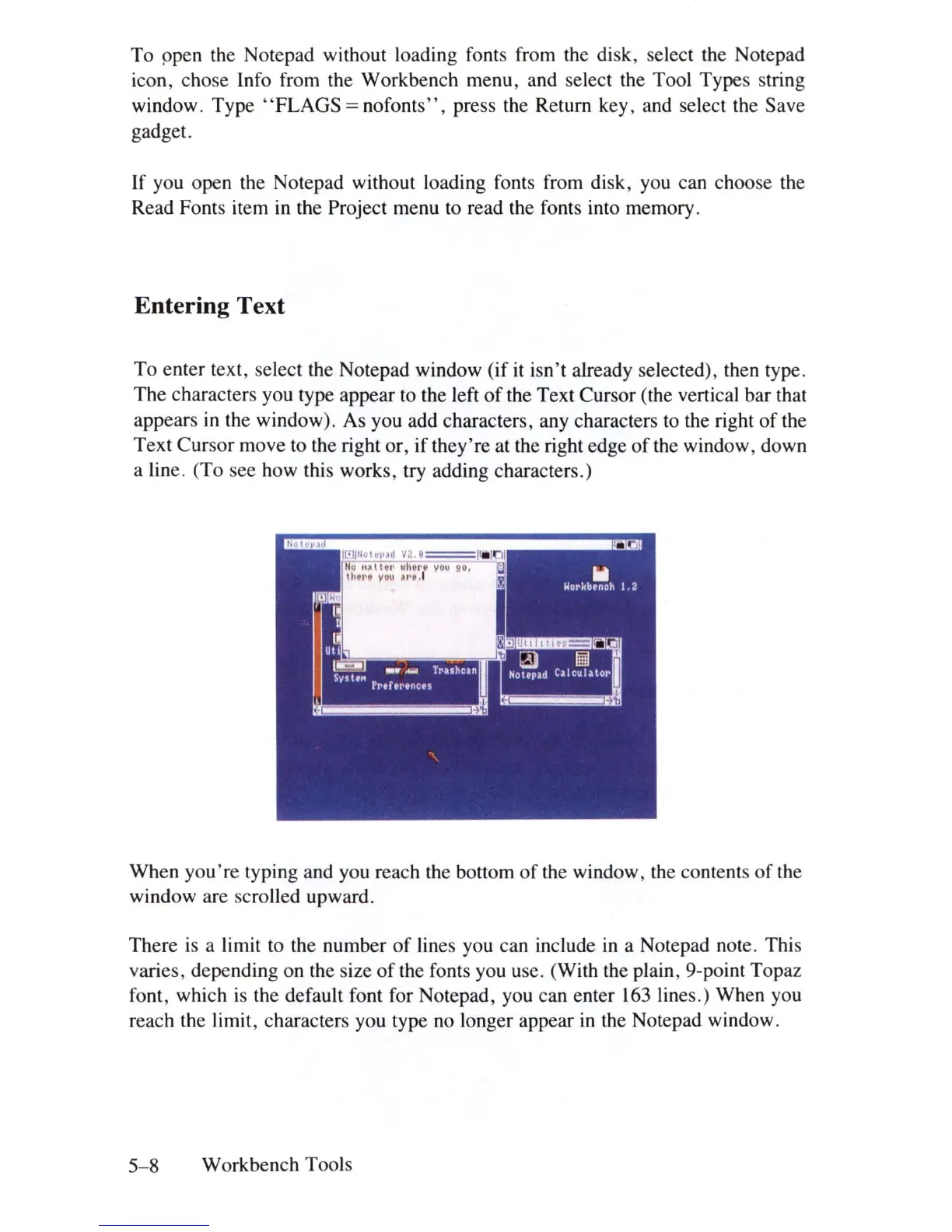
To enter text, select the Notepad window (if it isn't already selected), then type.
The characters you type appear to the left
of
the Text Cursor (the vertical bar that
appears
in
the window). As you add characters, any characters
to
the right
of
the
Text Cursor move to the right or, if they're at the right edge
of
the window, down
a line. (To see how this works, try adding characters.)
When you '
re
typing and you reach the bottom
of
the window, the contents
of
the
window are scrolled upward.
There
is
a limit to the number
of
lines you can include
in
a Notepad note. This
varies, depending on the size
of
the fonts you use. (With the plain, 9-point Topaz
font, which
is
the default font for Notepad, you can enter
163
lines.) When you
reach the limit, characters you type
no
longer appear
in
the Notepad window.
5-8
Workbench Tools















 To Next Page