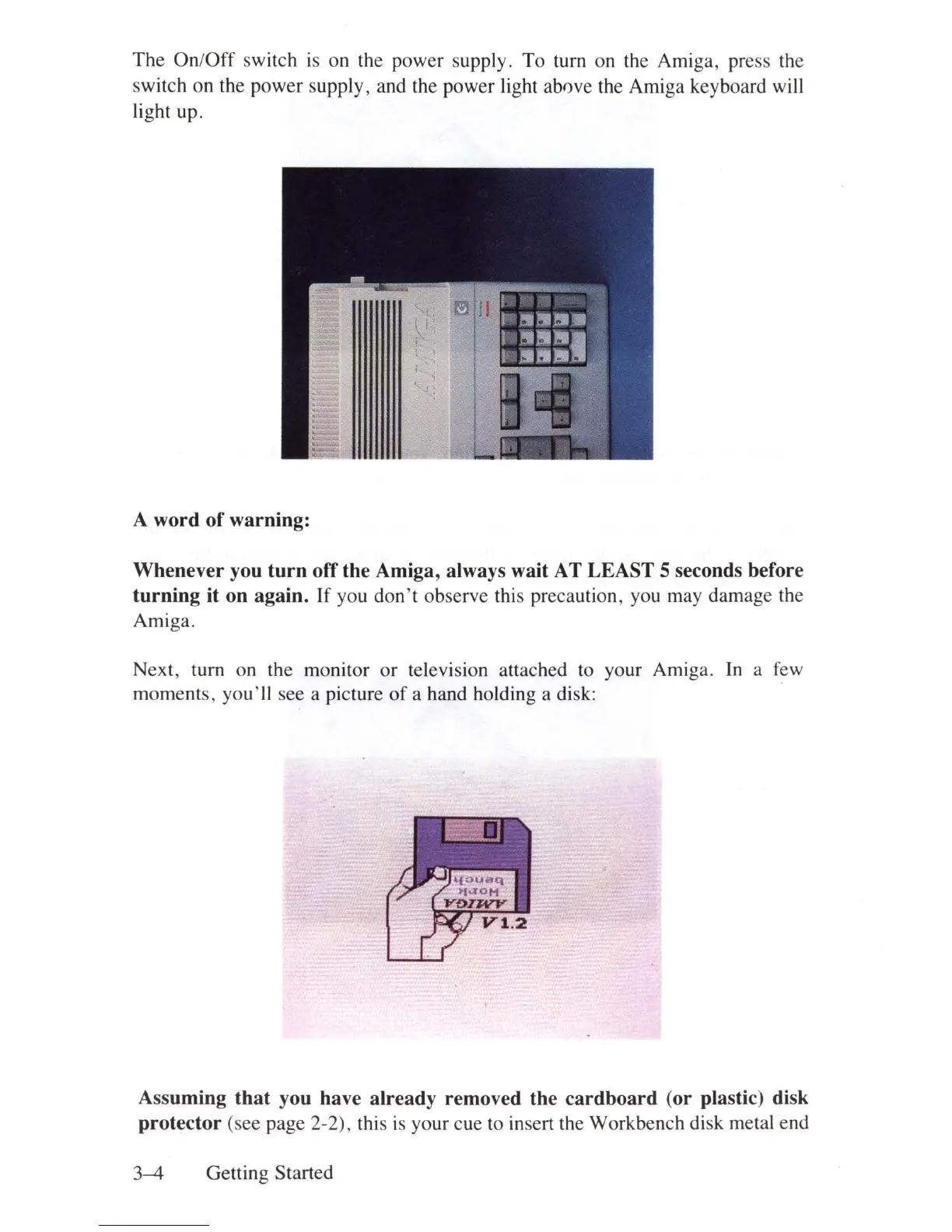
The
On
l
Off
switch
is
on the power supply. To turn
on
the Amiga, press the
switch on the power supply, and the power light ablwe the Amiga keyboard will
light up.
A
word
of
warning:
Whenever
you
turn
off
the
Amiga, always wait AT
LEAST
5 seconds before
turning
it
on
again.
If
you don't observe this precaution, you may damage the
Amiga.
Next, turn on the monitor or television attached
to
your Amiga.
In
a
few
moments, you'll see a picture
of
a hand holding a disk:
Assuming
that
you have
already
removed the
cardboard
(or
plastic) disk
protector
(see page 2-2), this
is
your cue
to
insert the Workbench disk metal end
3-4
Getting Started















 To Next Page