Setting the Time
To set the time for the Clock, use the Preferences tool. (To learn about Prefer-
ences, see Chapter 6.)
Opening the Clock
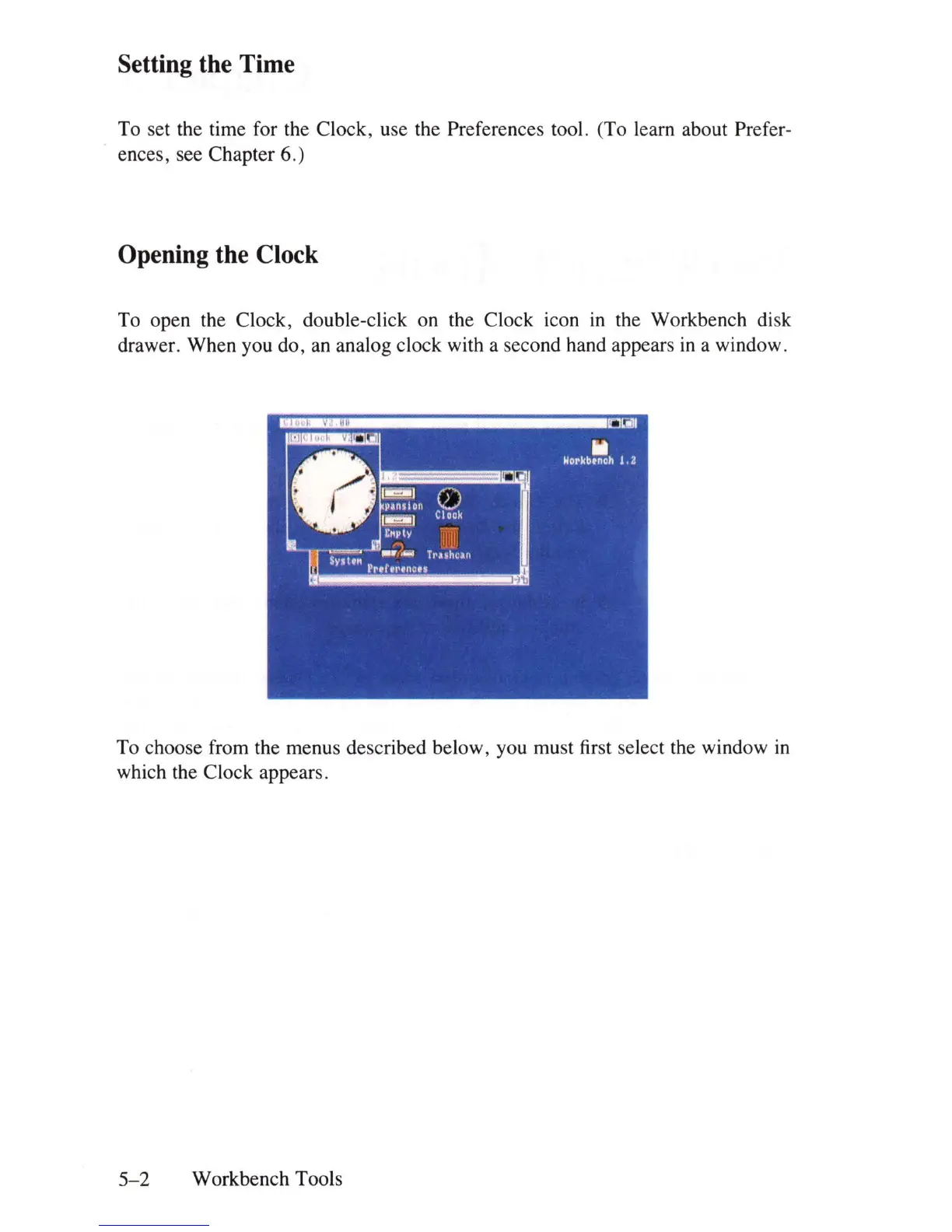
To open the Clock, double-click on the Clock icon
in
the Workbench disk
drawer. When you do, an analog clock with a second hand appears
in
a window.
To choose from the menus described below, you must first select the window
in
which the Clock appears.
5-2
Workbench Tools















 To Next Page