Typing a Textfile to the Screen
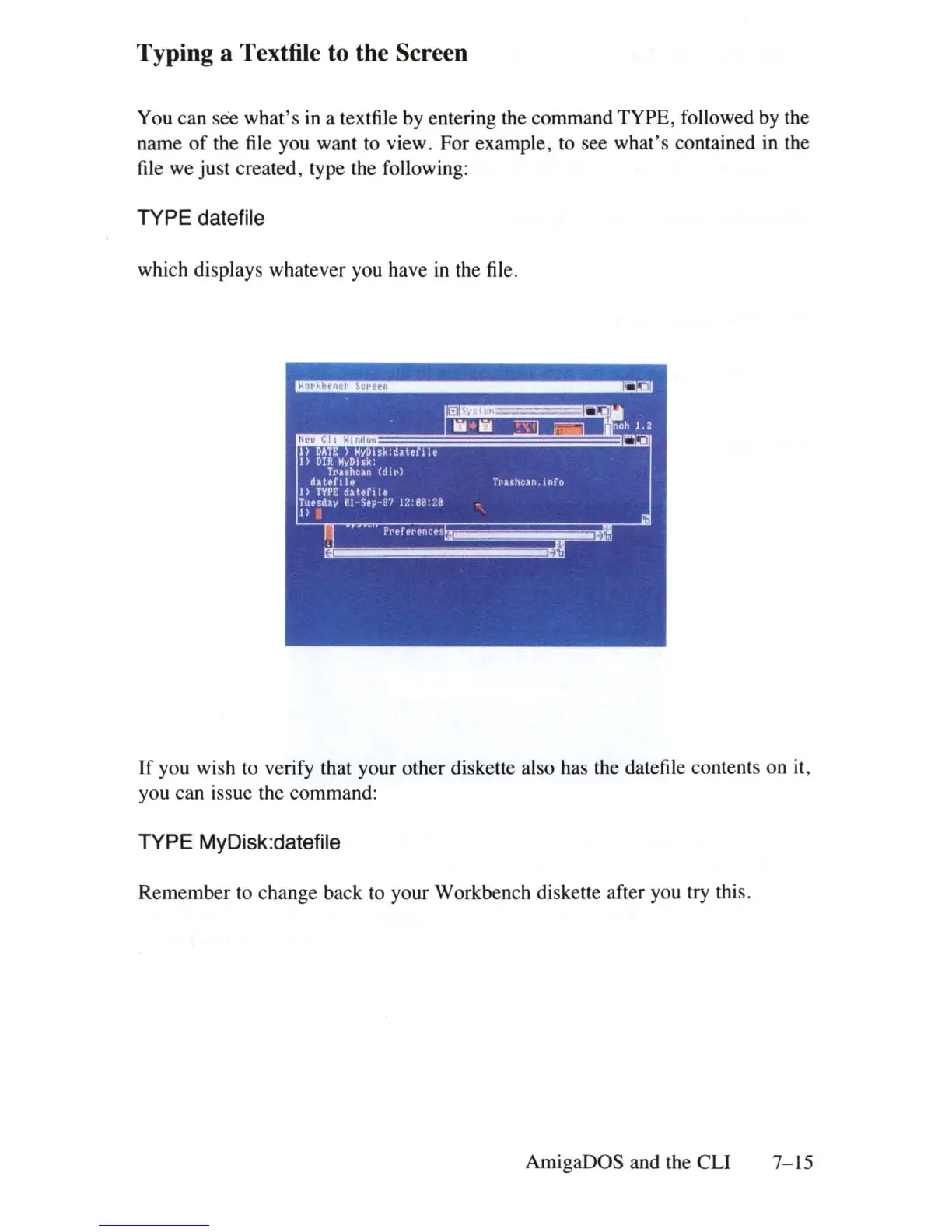
You can see what's
in
a textfile by entering the command TYPE, followed by the
name
of
the file you want to view. For example, to see what
's
contained in the
file
we just created, type the following:
TYPE datefile
which displays whatever you have
in
the
file
.
If
you wish to verify that your other diskette also has the datefile contents on it,
you can issue the command:
TYPE MyDisk:datefile
Remember to change back to your Workbench diskette after you try this.
AmigaDOS and the
eLi 7-
15















 To Next Page