Changing the Size and Position
of
the Clock
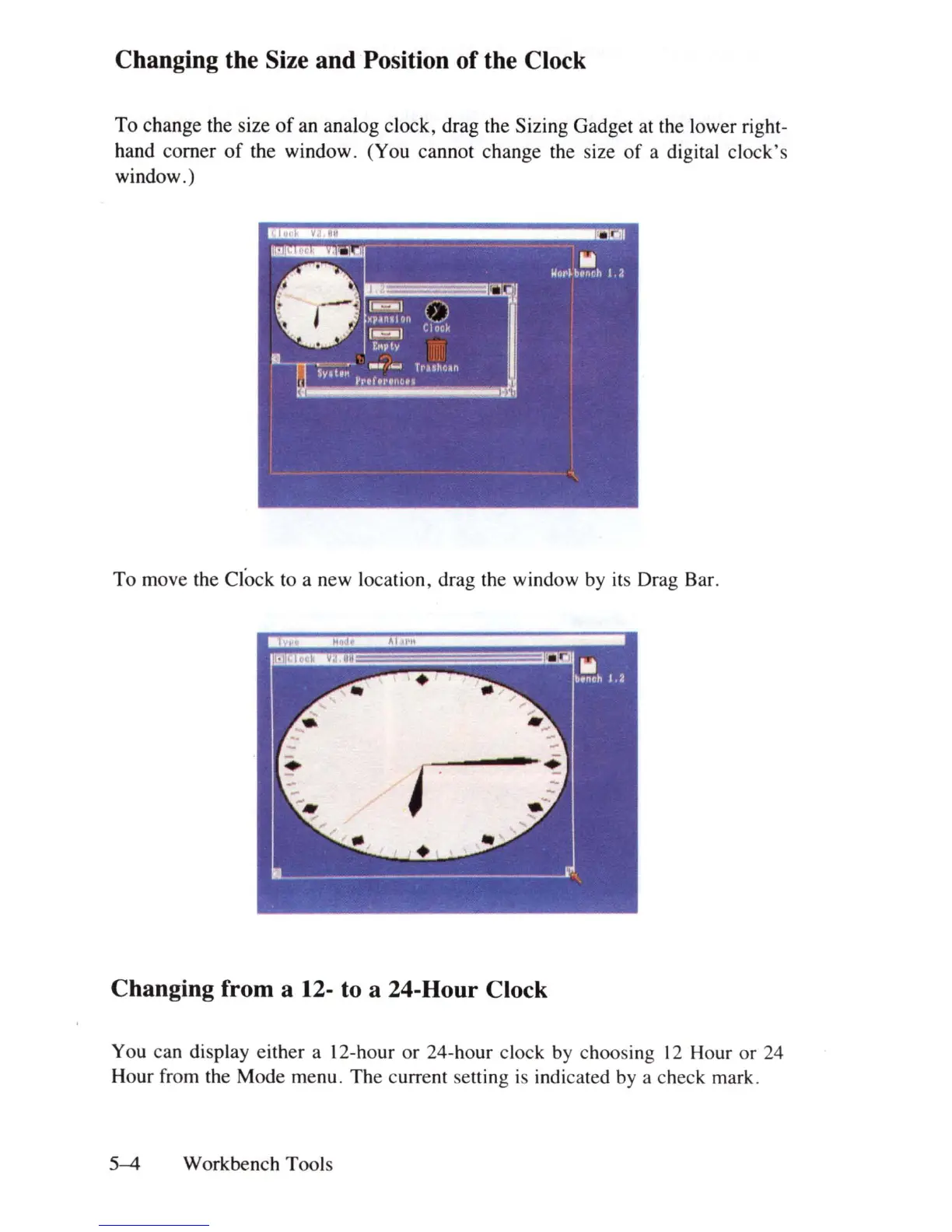
To change the size
of
an analog clock, drag the Sizing Gadget at the lower right-
hand corner
of
the window. (You cannot change the size
of
a digital clock's
window.)
To move the Clock to a new location, drag the window by its Drag Bar.
Changing from a 12- to a 24-Hour Clock
You can display either a 12-hour
or
24-hour clock by choosing
12
Hour or 24
Hour from the Mode menu. The current setting
is
indicated by a check mark.
5-4
Workbench Tools















 To Next Page