Before You Start
Before setting up your Amiga, be s
ure
to
read
each
instruction
carefully.
While
it
's
not difficult to assemble the Amiga,
it
is possible to damage
it
if you
don't follow the
in
struction
s.
Note
the
cardboard
sleeve in
the
disk
drive
. Be
li
eve it or not, many A
mi
ga
returns are made simply because care was not taken
in
remov
in
g
th
e cardboa
rd
pi
ece protecting the disk drive. This sleeve s
it
s
in
s
id
e
th
e
di
sk d
ri
ve opening and
was designed to protect
th
e drive during shipping. Make sure you press
th
e drive
button be
fo
re you remove
th
e cardboard
pi
ece, to release
th
e cardboard
pi
ece so
it
slides out eas
il
y. Also, save
th
e
pi
ece to re
pl
ace
in
the drive unit opening for
protec
ti
on during transporta
ti
on.
Turn the computer
otT
before
in
serting or remov
in
g any co
nn
ectors.
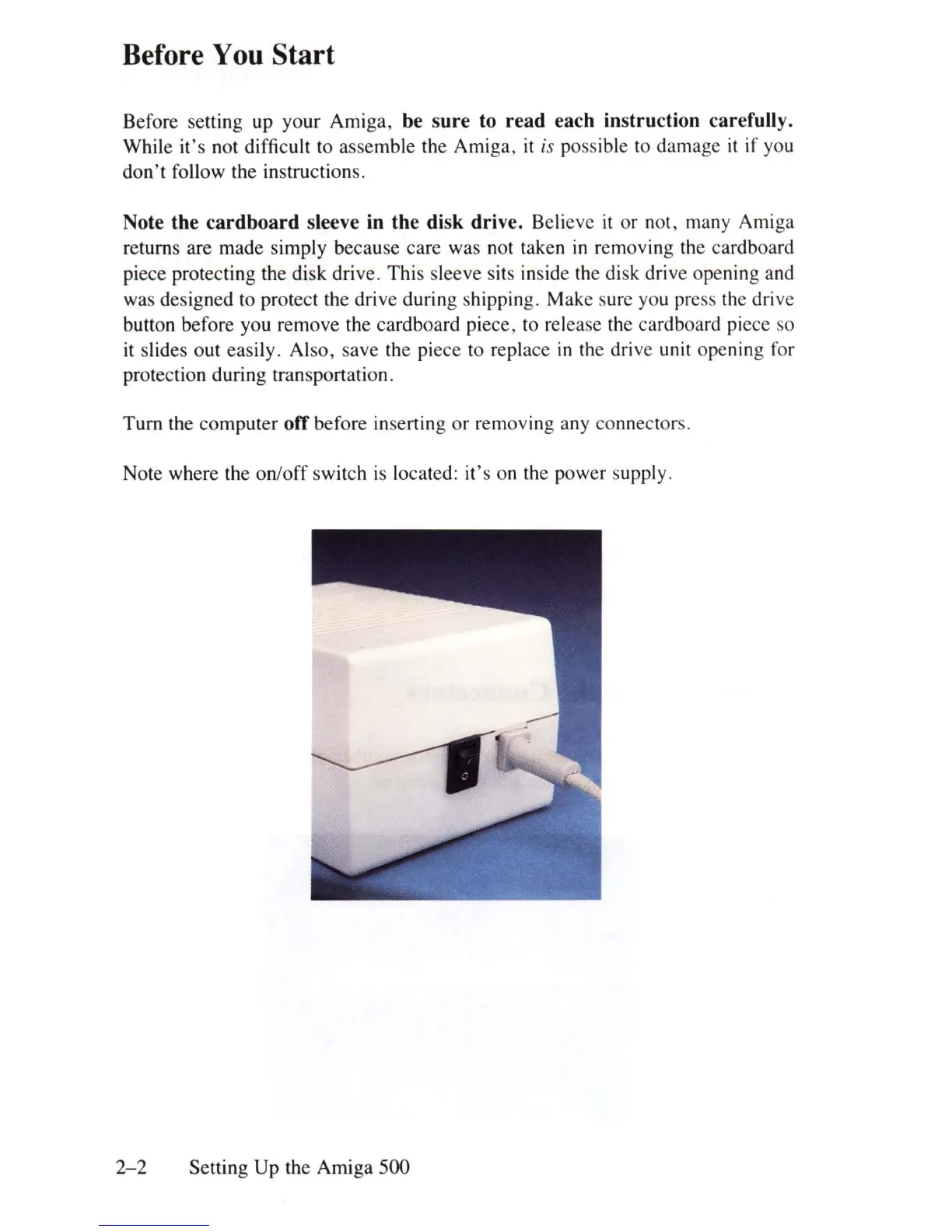
Note where the on/
off
switch is located: it's on
th
e power supply.
2-2
Setting Up the Amiga 500















 To Next Page