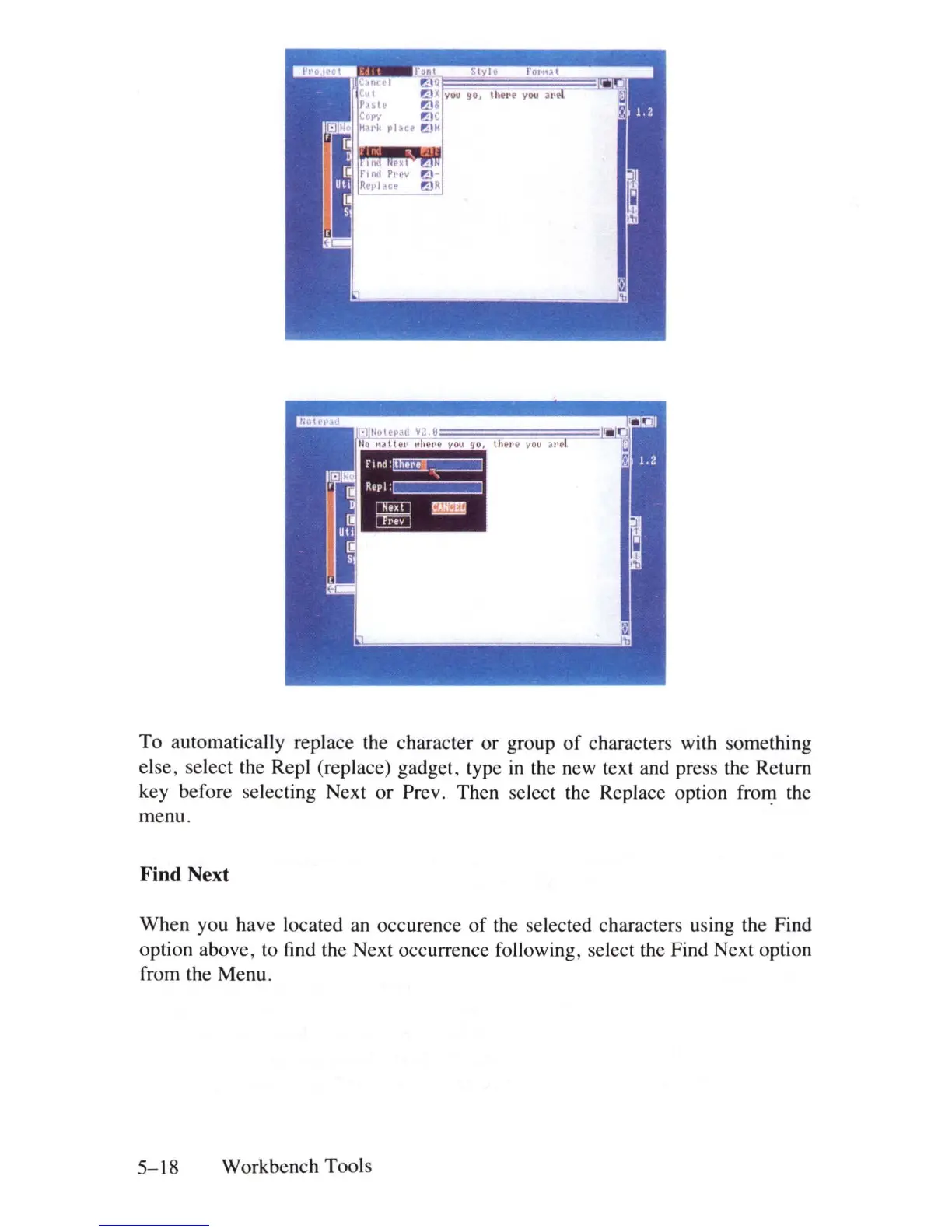
To automatically replace the character or group
of
characters with something
else, select the Repl (replace) gadget, type
in
the new text and press the Return
key before selecting Next or Prev. Then select the Replace option
fro~
the
menu.
Find Next
When you have located
an
occurence of the selected characters using the Find
option above, to
find
the Next occurrence following, select the Find Next option
from the Menu.
5-18
Workbench Tools















 To Next Page