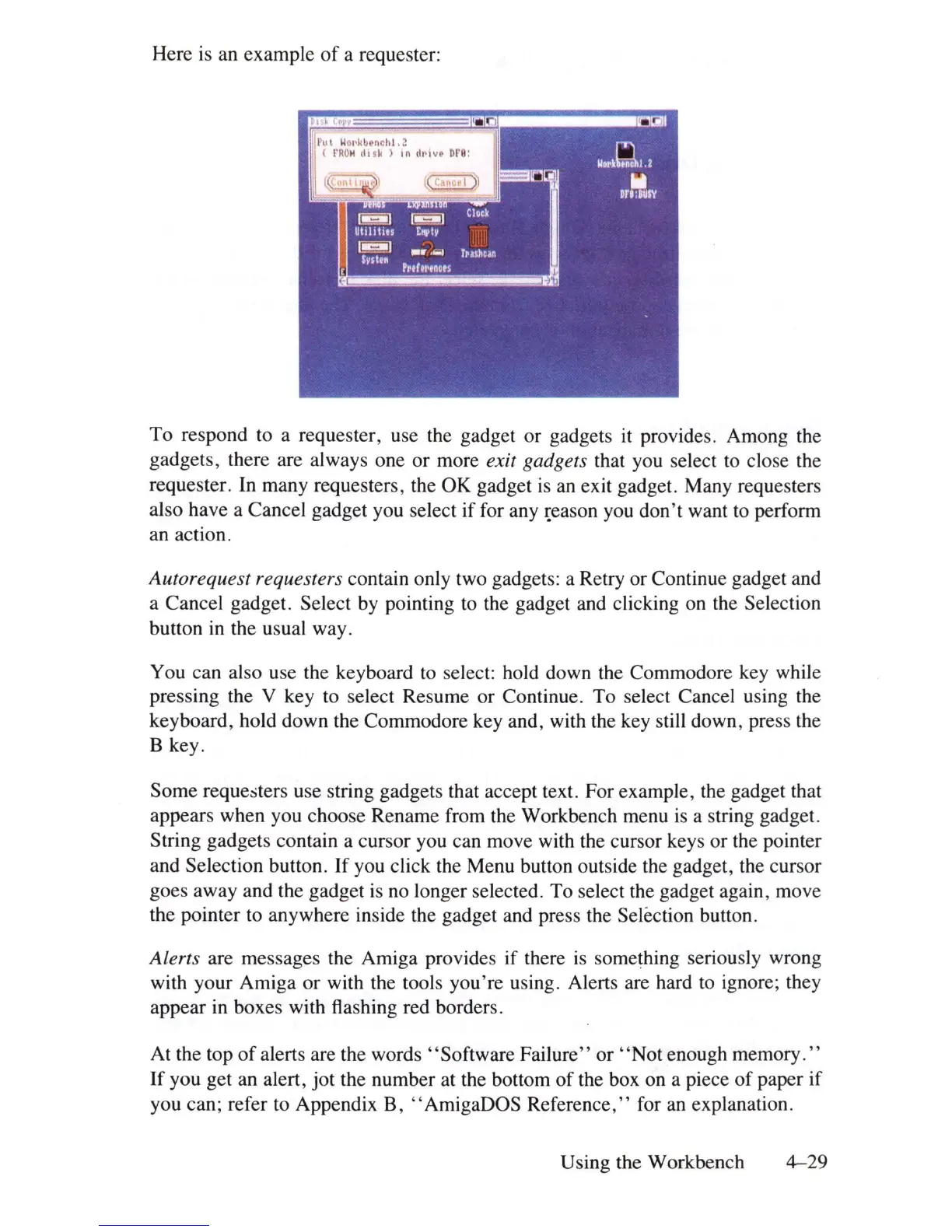
Here
is
an example
of
a requester:
To respond to a requester, use the gadget
or
gadgets
it
provides. Among the
gadgets, there are always one or more
exit gadgets that you select to close the
requester.
In
many requesters, the OK gadget
is
an
exit gadget. Many requesters
also have a Cancel gadget you select if for any
~eason
you don't want to perform
an action.
Autorequest requesters contain only two gadgets: a Retry or Continue gadget and
a Cancel gadget. Select by pointing to the gadget and clicking on the Selection
button
in
the usual way.
You can also use the keyboard to select: hold down the Commodore key while
pressing the V key to select Resume or Continue. To select Cancel using the
keyboard, hold down the Commodore key and, with the key still down, press the
B key.
Some requesters use string gadgets that accept text. For example, the gadget that
appears when you choose Rename from the Workbench menu
is
a string gadget.
String gadgets contain a cursor you can move with the cursor keys or the pointer
and Selection button.
If
you click the Menu button outside the gadget, the cursor
goes away and the gadget
is
no longer selected. To select the gadget again, move
the pointer to anywhere inside the gadget and press the Selection button.
Alerts are messages the Amiga provides if there
is
something seriously wrong
with your Amiga or with the tools you're using. Alerts are hard to ignore; they
appear
in
boxes with flashing red borders.
At the top
of
alerts are the words "Software Failure"
or
"Not
enough memory
."
If
you get an alert,
jot
the number at the bottom
of
the box on a piece
of
paper if
you can; refer to Appendix B, "AmigaDOS Reference," for
an
explanation.
Using the Workbench
4-29















 To Next Page