Adding Text to an Icon
There are
si,x:
steps to adding text to an icon:
1.
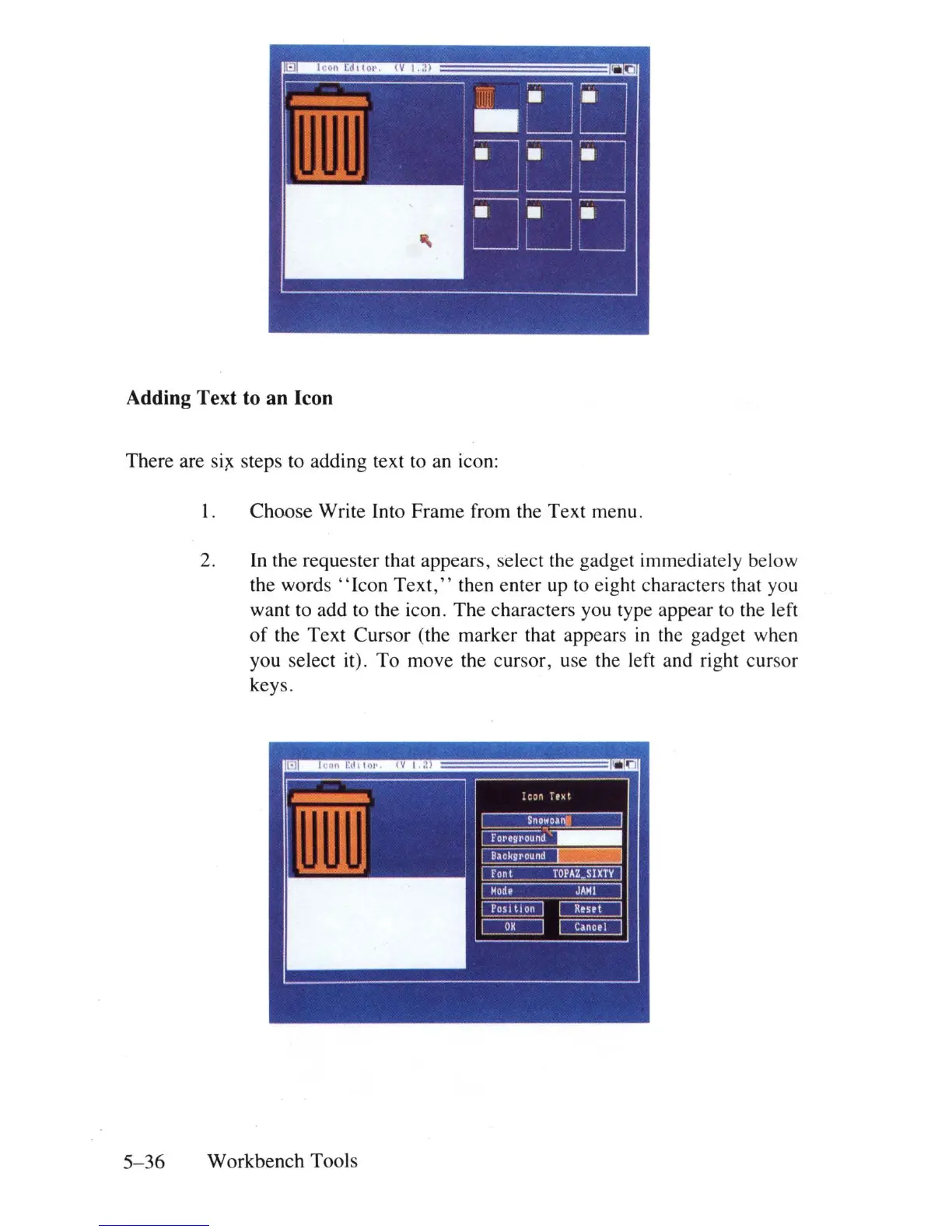
Choose Write Into Frame from the Text menu.
2.
In
the requester that appears, select the gadget immediately below
the
words"
Icon
Text,"
then enter up to eight characters
th
at you
want to add to the icon. The characters you type appear to the left
of
the Text Cursor (the marker that appears
in
the gadget when
you select it) . To move the cursor, use the left and right cursor
keys.
5-36
Workbench Tools















 To Next Page