• a monochrome (composite video) monitor. Monochrome monitors
display output
in
a single color. Monochrome monitors prolitide a
sharp picture for text, and some are suitable for using the Amiga
in
interlace mode (see Chapter 6 for more on interlace mode). The
monochrome composite video output provides a grey scale which
utilizesA ,096 different shades (not just black and white) .
• a television. Conventional televisions (those without video input
connectors) can also be used as monitors for the Amiga with an
optional modulator that plugs into the RGB port.
When
choosing a monitor, note that televisions and PAL monitors cannot display
as much information as RGB monitors. RGB monitors can show
80
characters
clearly on each line
on
the display, while most televisions and PAL monitors can
show only
60
characters clearly.
Attaching an RGB Monitor
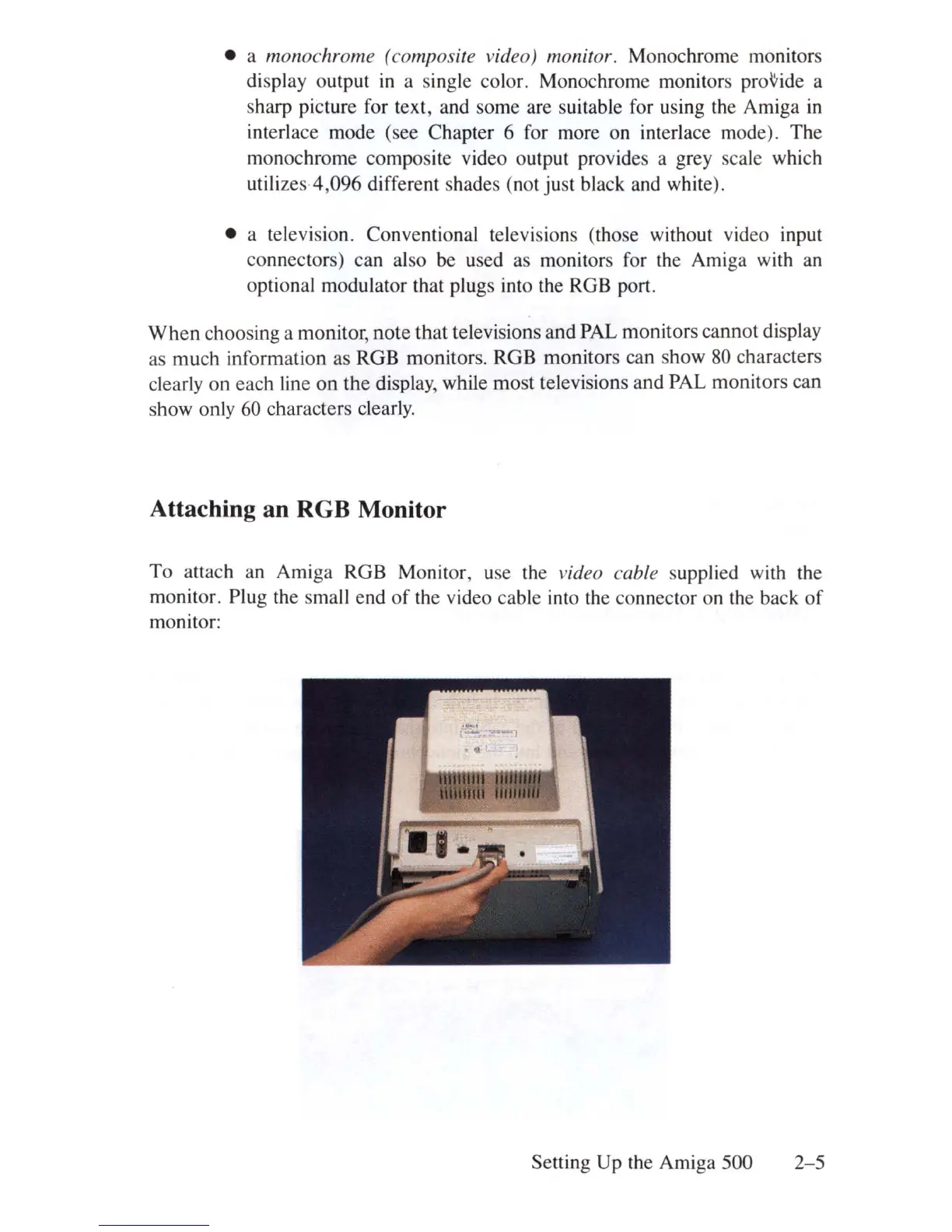
To attach an Amiga RGB Monitor,
us
e the video cable supplied with the
monitor. Plug the small end
of
the video cable into the connector on
th
e back
of
monitor:
Setting Up the Amiga 500
2-5















 To Next Page