Changing the Notepad Default Values
The default
valu~s
of
Notepad settings, such as window position, window size,
font, print type, form feed, word wrap, etc., can be changed to suit your
requirements. The procedures are explained
b~low.
Changing
the
Notepad
Window
Default
Position
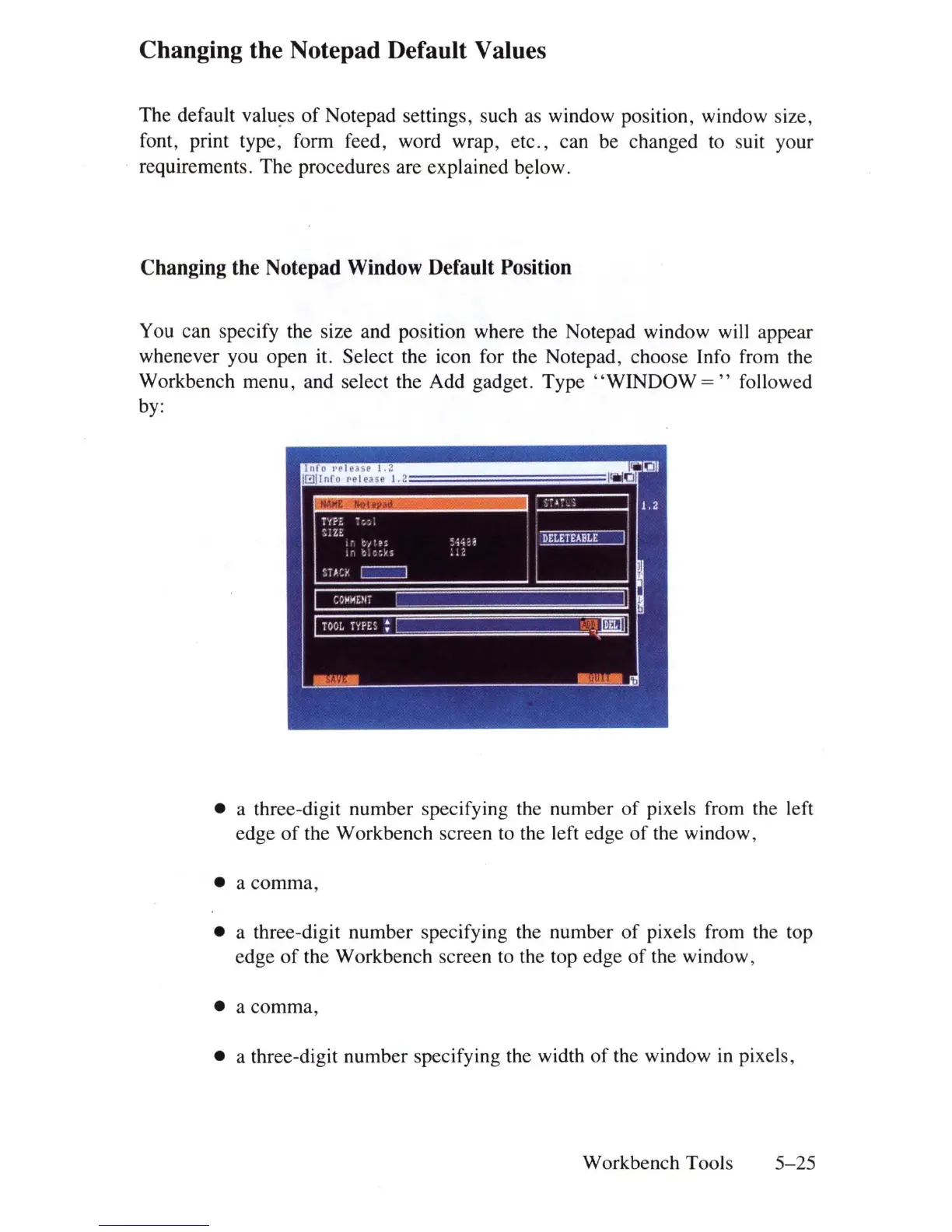
You can specify the size and position where the Notepad window will appear
whenever you open it. Select the icon for the Notepad, choose Info from the
Workbench menu, and select the Add gadget. Type
"WINDOW
= " followed
by:
• a three-digit number specifying the number
of
pixels from the left
edge
of
the Workbench screen to the left edge
of
the window,
• a comma,
• a three-digit number specifying the number
of
pixels from the top
edge
of
the Workbench screen to the top edge
of
the window,
• a
comma
,
• a three-digit number specifying the width
of
the window
in
pixels,
Workbench Tools
5-
25















 To Next Page