Resetting the Workbench
Resetting the Workbench means to set it up again. When you do , you start again
with only the Workbench, and the Amiga's memory
is
cleared.
If
a tool
malfunctions, you may be forced to reset before you can
re
sume work . To reset
the Workbench, hold down the CTRL key and both the Commodore and Amiga
keys at the same time for at least half a second, then release the keys.
WARNING:
Always
make
sure
the
disk
drive
light
is
off
before
resetting
the
Workbench.
Other Workbench Operations
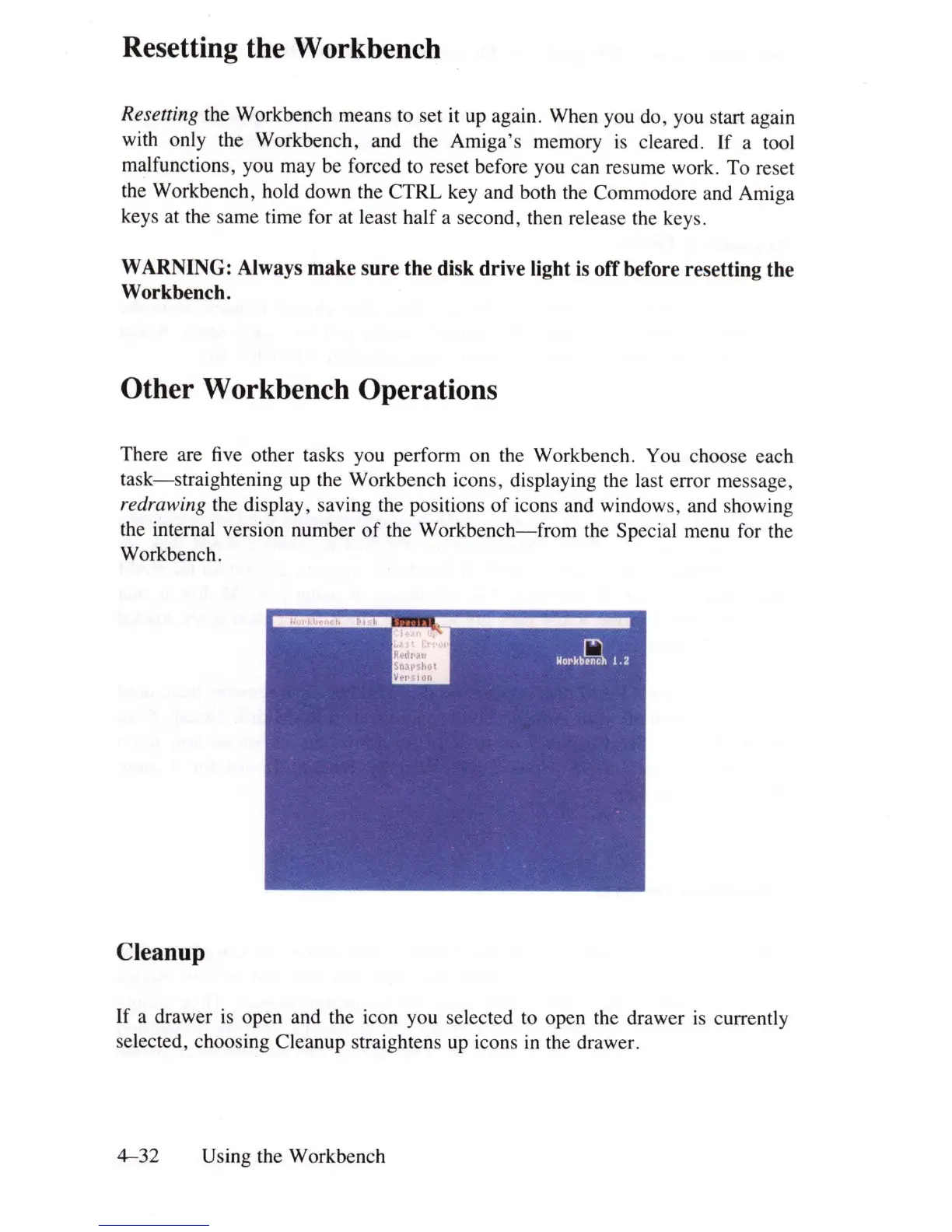
There are
five
other tasks you perform on the Workbench. You choose each
task-straightening
up the Workbench icons, displaying the
la
st error message,
redrawing the display, saving the positions
of
icons and windows, and showing
the internal version number
of
the
Workbench-from
the Special menu for the
Workbench.
Cleanup
If a drawer
is
open and the icon you selected to open the drawer
is
currently
selected, choosing Cleanup straightens up icons
in
the drawer.
4-32
Using the Workbench















 To Next Page