The buttons for digits, the decimal point, and addition and subtraction are the
same as those on other calculators. To multiply, use the
* button. To divide, use
the
I button.
Selecting the CE button clears the current entry, while selecting the CA button
clears the current entry and any previous entries.
Pressing the
+ -button changes the sign
of
the current entry. If the current entry
is
a positive number, it
is
changed to the negative number that corresponds
to
it.
If
the entry
is
negative, it becomes positive.
When you're entering a number, pressing the
<- button deletes the last digit you
entered.
To get a result, use the
= button. From the keyboard, you can get a result by
pressing the
= key, the Return key, or the Enter key.
Closing the Calculator
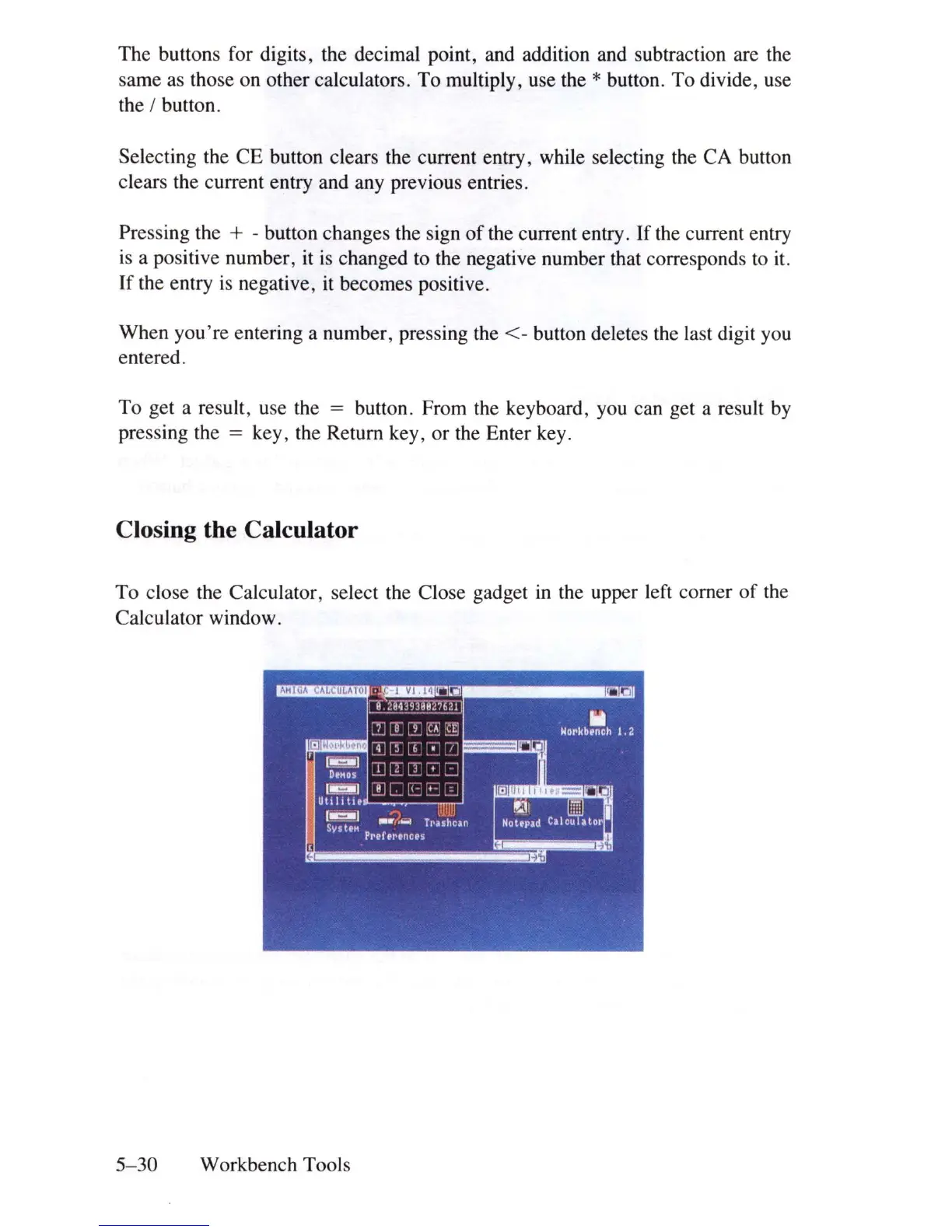
To close the Calculator, select the Close gadget
in
the upper left corner
of
the
Calculator window.
5-30
Workbench Tools















 To Next Page