other Workbench windows.
To
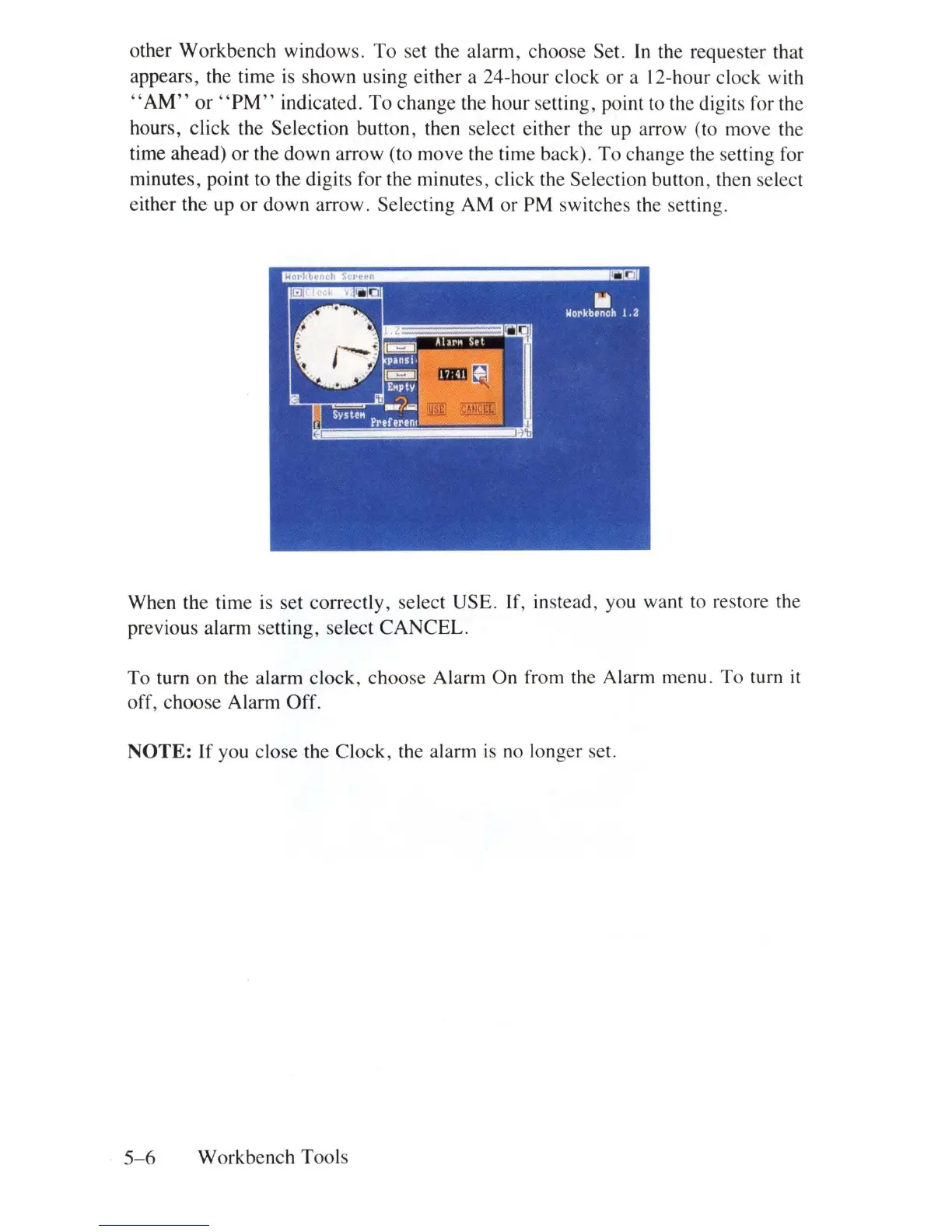
set the alarm, choose Set.
In
the requester that
appears, the time is shown using either a 24-hour clock or a l2-hour clock with
"AM"
or
"PM"
indicated.
To
change the hour setting, point to the digits for the
hours, click the Selection button, then select either the up arrow (to move the
time ahead)
or
the down arrow (to move the time back).
To
change the setting for
minutes, point to the digits for the minutes, click the Selection button, then select
either the up
or
down arrow. Selecting AM or PM switches the setting.
When the time is set correctly, select USE. If, instead, you want to restore the
previous alarm setting, select CANCEL.
To turn on the alarm clock, choose Alarm
On
from the Alarm menu. To turn
it
off
, choose Alarm Off.
NOTE:
If
you close the Clock, the alarm
is
no longer set.
5- 6 Workbench Tools















 To Next Page