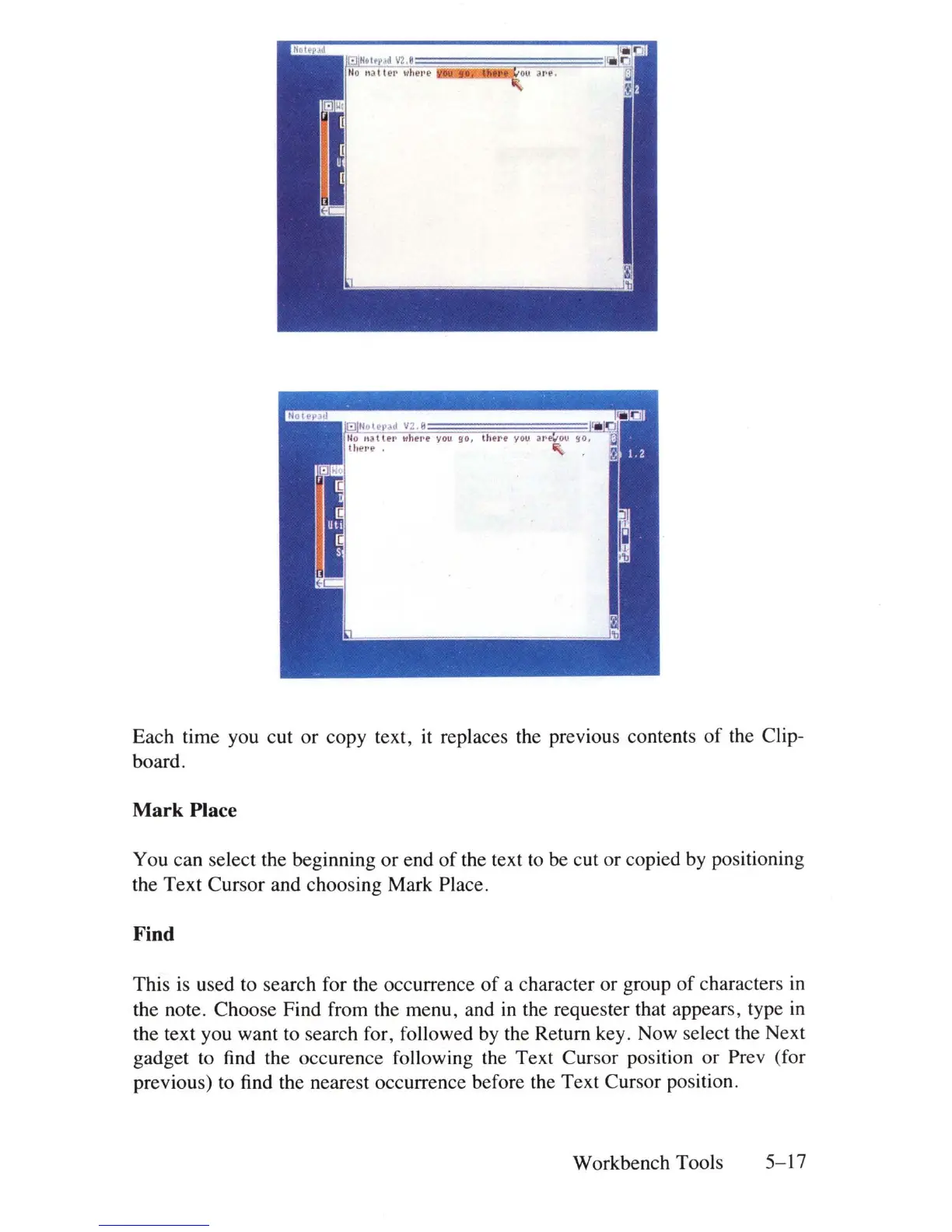
Each time you cut or copy text, it replaces the previous contents
of
the Clip-
board.
Mark Place
You can select the beginning
or
end
of
the text to be cut or copied by positioning
the Text Cursor and choosing Mark Place.
Find
This
is
used to search for the occurrence
of
a character or group
of
characters
in
the note. Choose Find from the menu, and
in
the requester that appears, type
in
the text you want to search for, followed
by
the Return key. Now select the Next
gadget to find the occurence following the Text Cursor position or Prev (for
previous) to find the nearest occurrence before the Text Cursor position.
Workbench Tools
5-17















 To Next Page